
What is Tensela
Tensela is a program for parametric design, made for architects.
Instead of drawing every piece, you describe how the design is built: a facade 20 m wide, divided into bays of 1 m, with a sun fin in each bay that turns towards the sun. Each step is a node, a small card, and you join the nodes with cables. Change one number, the width of the bays or the angle of the fins, and the whole design updates in front of you.
It works like a recipe: the values are the ingredients, the nodes are the steps, and the form is the dish. Change an ingredient and the same recipe gives you another dish. That is what an algorithm is, and in Tensela you see it instead of writing it.
What you can do with it
Section titled “What you can do with it”- Facades and sun fins: panels, fins that open and close by distance or by sun, skins of rectangles, hexagons or Voronoi cells.
- Roofs and surfaces: surfaces through curves or points, hyperbolic paraboloids, ribs, grids and diagrids on a surface.
- Structures: hanging cables and membranes that find their own shape, space frames, a first check of bars.
- Sun and shadow: the sun for any place and date, shadows, sun hours on a facade, daylight.
- Fabrication: sections and waffle structures, pieces laid flat on sheets with their numbers, a file ready for the laser cutter, a check before 3D printing.
- Export: OBJ, STL and 3MF for 3D, DXF, SVG and PDF for cutting and drawing, PNG for images.
Eight results made with Tensela, each one a recipe of this manual to make it step by step:
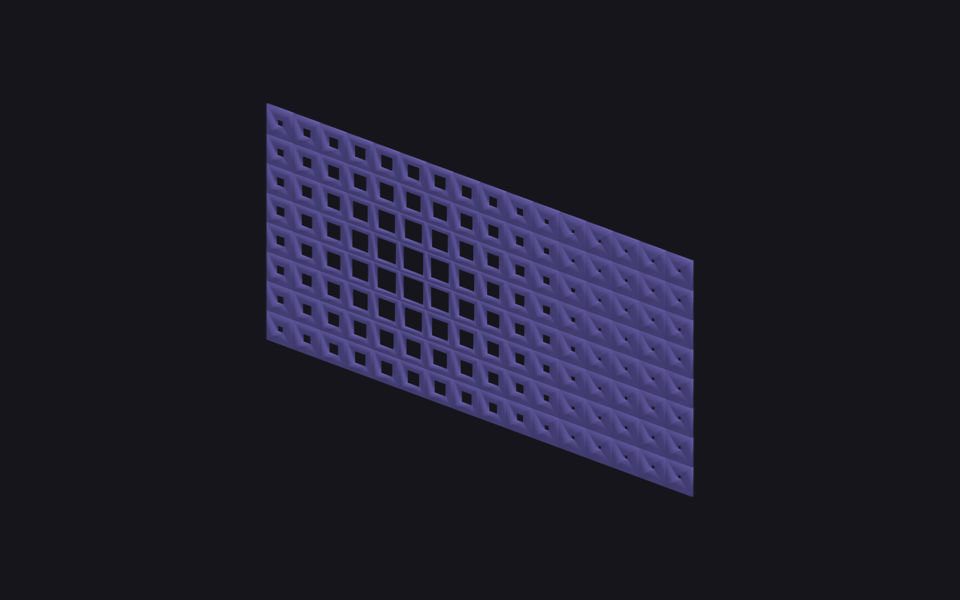 A facade that breathes
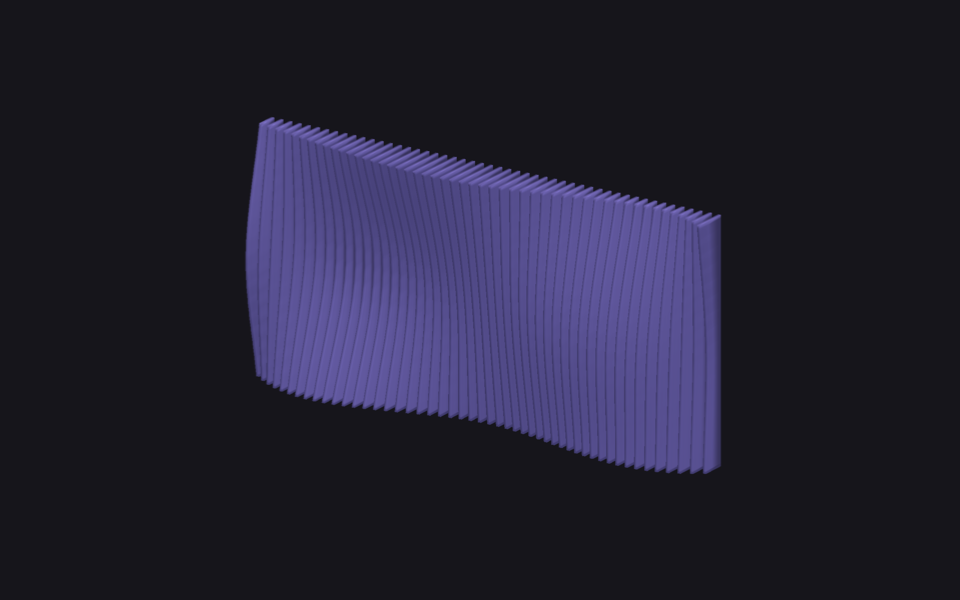 A rib wall
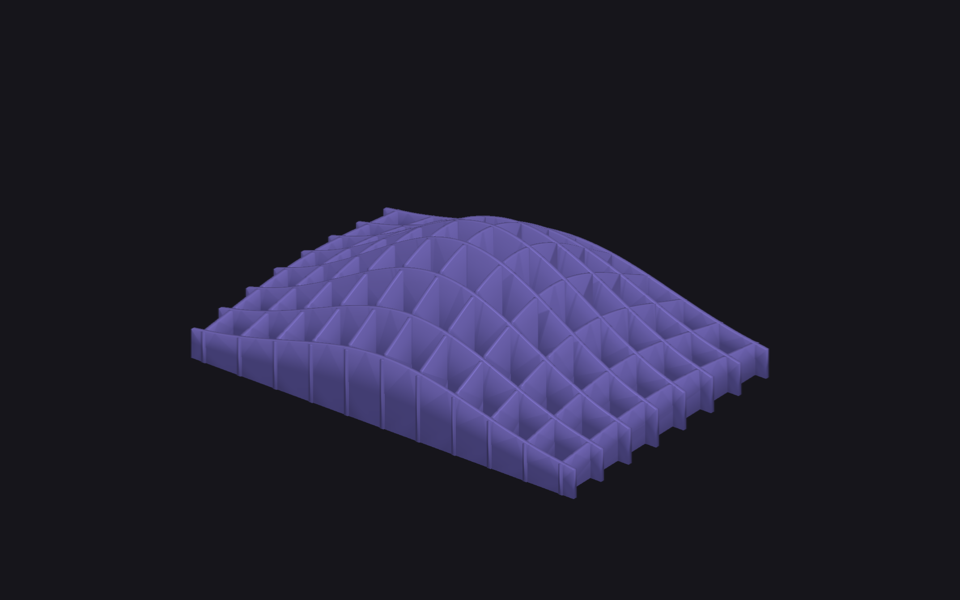 A waffle model ready to cut
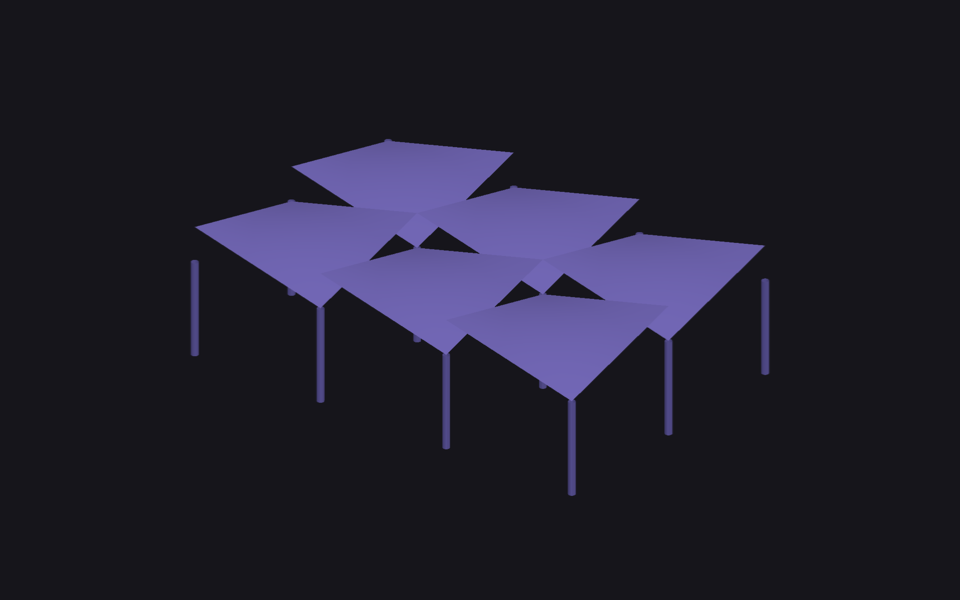 A roof of hyperbolic paraboloids
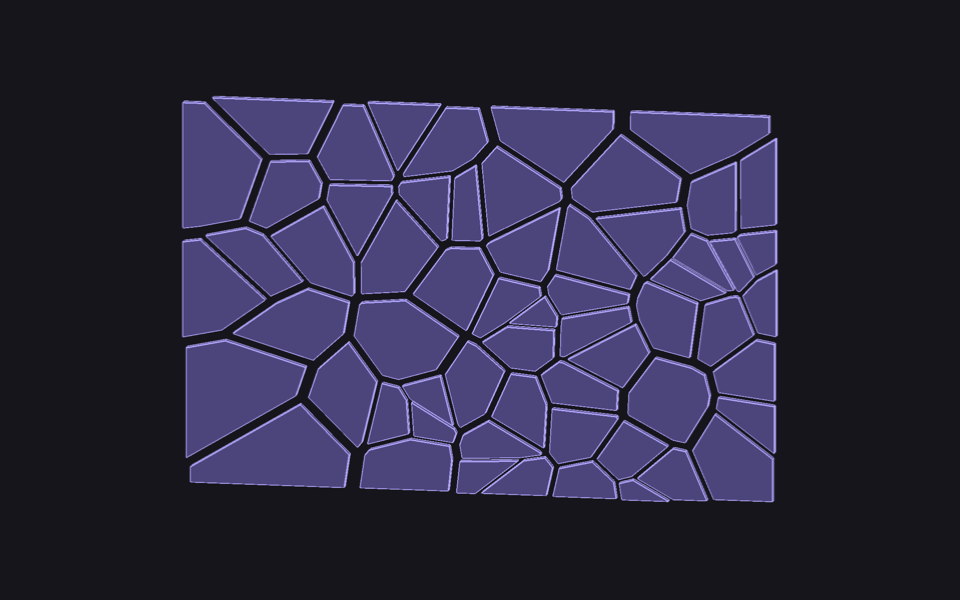 A Voronoi skin
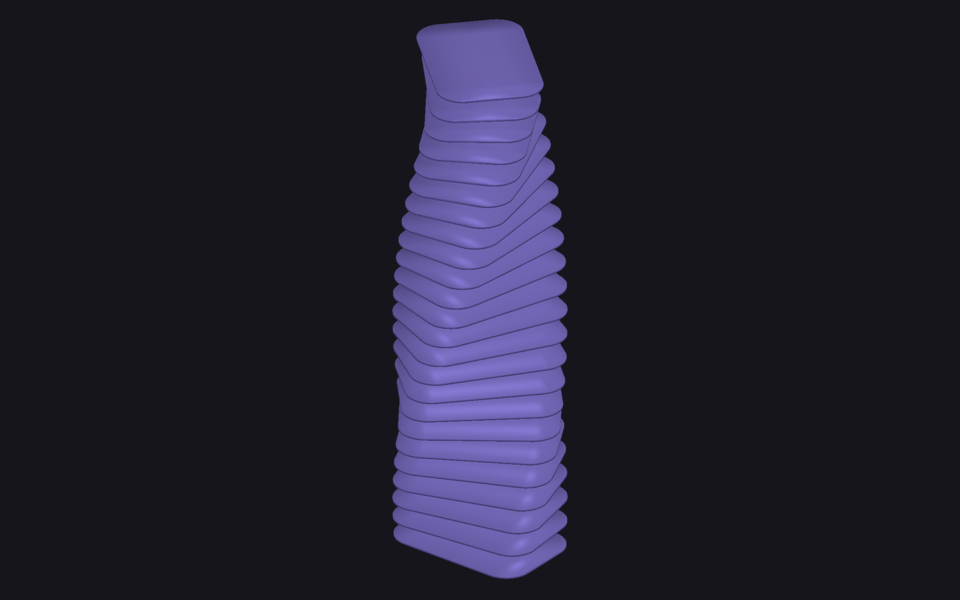 A tower that turns
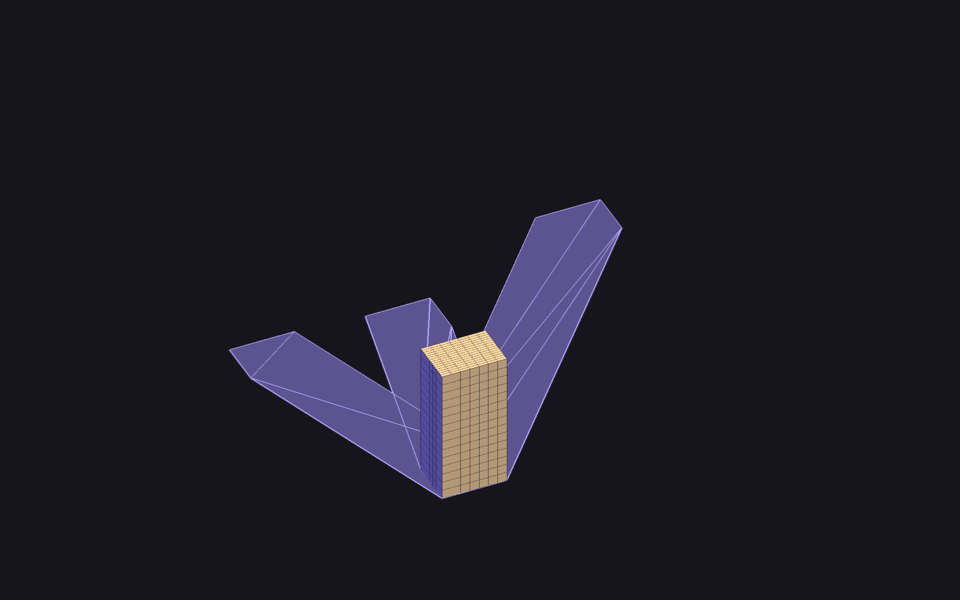 A sun study
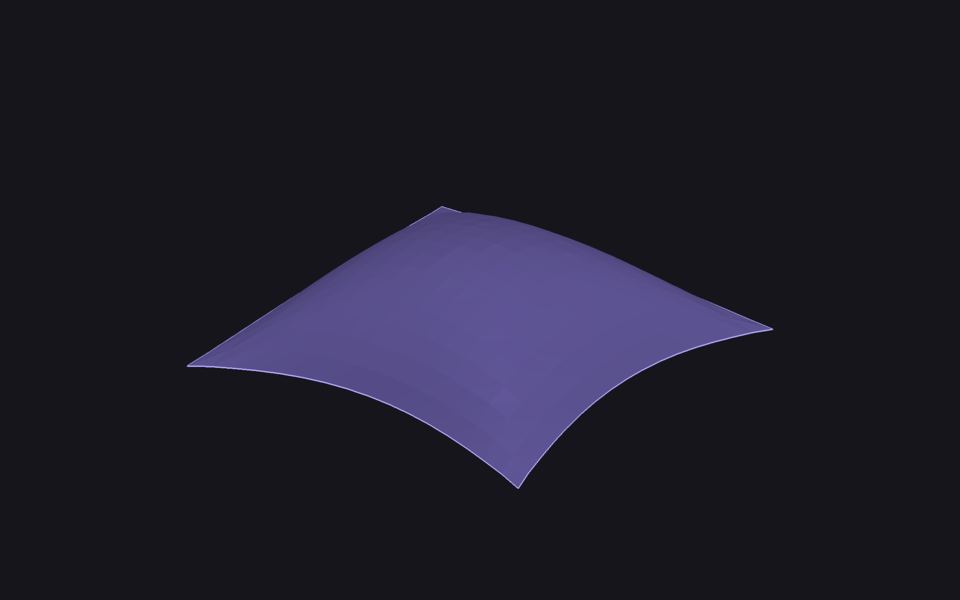 A vault that finds its own shape
What Tensela is not
Section titled “What Tensela is not”To avoid misunderstandings from the start:
| Tensela is not… | Because… |
|---|---|
| A drawing program | You can draw curves and points in the view, but its strength is in rules, not in drawing every line by hand. |
| A plugin | It works on its own. You do not need any other program installed. |
| BIM | It has no walls, doors or quantity lists. It makes geometry that you then take to your BIM or CAD program. |
| A renderer | For photographic images, export the model to the renderer you already use. |
Who it is for
Section titled “Who it is for”Architects and students who want to design with rules without learning to program first, with a gentle learning curve. If you already use a visual programming tool, read Coming from other programs: most of what you know still applies.
Where the name comes from
Section titled “Where the name comes from”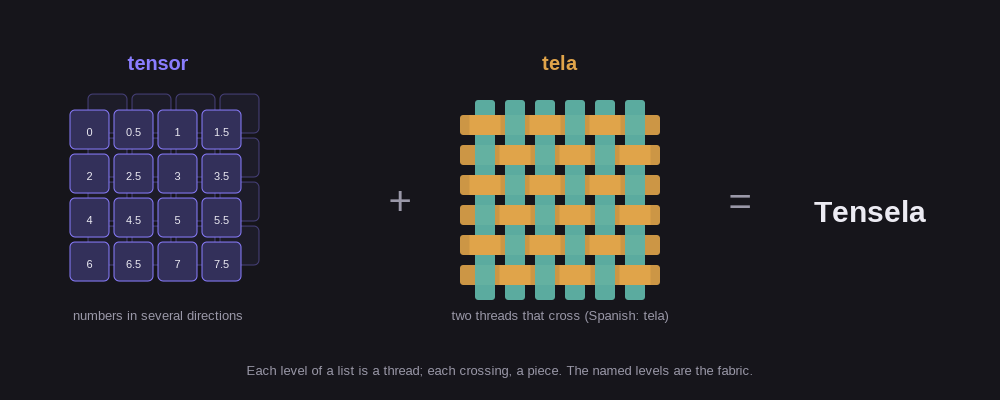
Tensela joins two words. A tensor is, in mathematics, a block of numbers with several directions: that is how Tensela keeps your lists. Tela is Spanish for fabric, threads that cross: each list is a thread, and each crossing is a piece of your design. More in How Tensela thinks.
Five words you will see everywhere
Section titled “Five words you will see everywhere”| Word | What it means |
|---|---|
| Node | A card that does one thing: a rectangle, a grid, a distance, a rotation. |
| Cable | The line that takes what one node gives into another node. |
| Input | A value a node needs, like the width of a rectangle. You type it or bring it by cable. |
| List | Several values at once: 20 heights, 300 panels. |
| Level | The name of a list: floor, bay, panel. It tells Tensela how to combine lists. More about it. |
Where it runs, and what it costs
Section titled “Where it runs, and what it costs”- Linux, on a 64-bit PC; a modest computer is enough. Windows and macOS are not available yet. What you need.
- Free: it costs nothing and it is free software. What you make with it is yours.
- Offline: it works without internet, with no account, and Tensela never sends your files anywhere. Free, offline and yours.