Shapes
Shapes are where most designs start: a facade, a plot, a block, a fin. They are blue on the canvas.
Every input can take several values. A Rectangle with width 4; 6; 8 gives three rectangles, and a Prism
whose height comes from a Series of 5 floors gives five volumes. See Lists with names.
Rectangle
Section titled “Rectangle”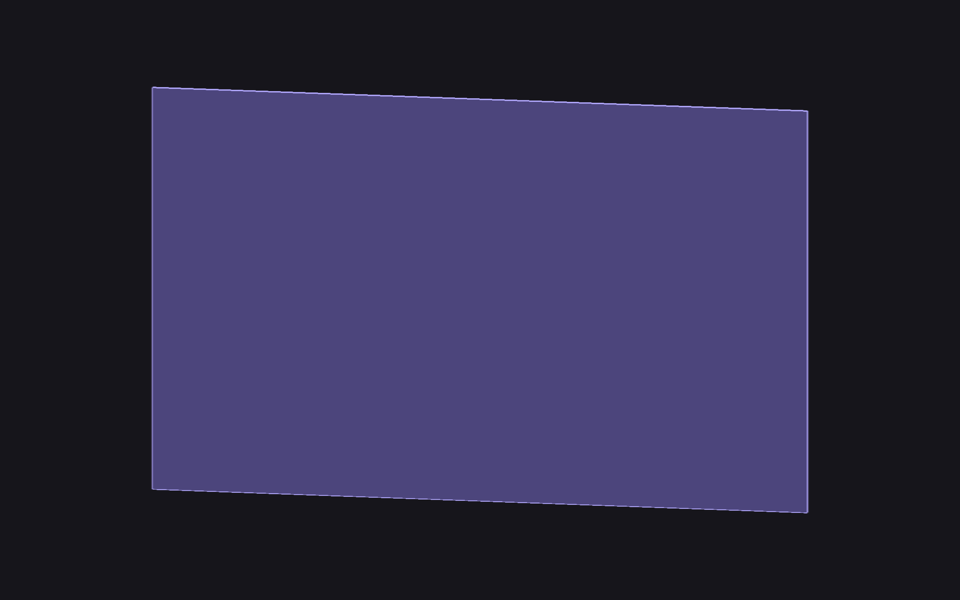
What for. A facade, a plot, a slab, a sheet to cut: the base of many designs.
How. Write its width and height and choose the plane: plan for a floor or a plot, elevation for a facade.
What it does.
| Input | What it means |
|---|---|
| width | the horizontal side: along X (along Y in side elevation) |
| height | the other side: north-south in plan, upwards in elevation |
| origin | where its lower-left corner is (0 0 0 by default) |
| plane | plan (lying down), elevation (standing, facing south) or side elevation (standing, facing east) |
Tips.
- A rectangle is a flat outline, not a body: it has an area but no volume. Extrude it with caps to get a volume.
- Divide it into panels with a Grid, as in Your first project.
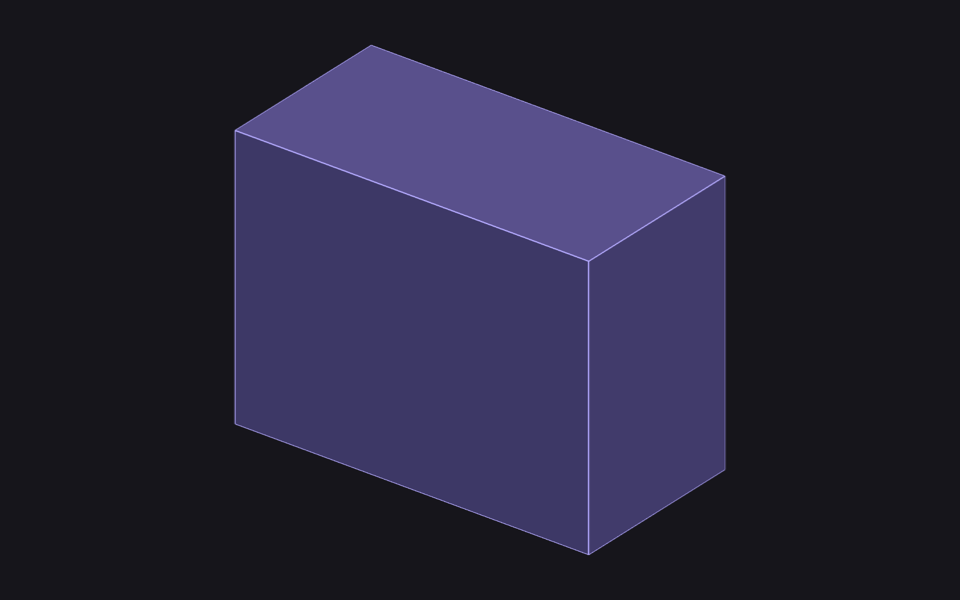
What for. A fin, a beam, a brick, a block that you repeat many times.
How. Write its width, depth and height, then take it where you want with Place or Move.
What it does.
| Input | What it means |
|---|---|
| width | along X |
| depth | along Y |
| height | along Z, upwards |
Tips.
- A Box is centred on the origin, so when Place turns it, it turns around its own middle: just right for sun fins.
- For a building that sits on a corner, use a Prism instead.
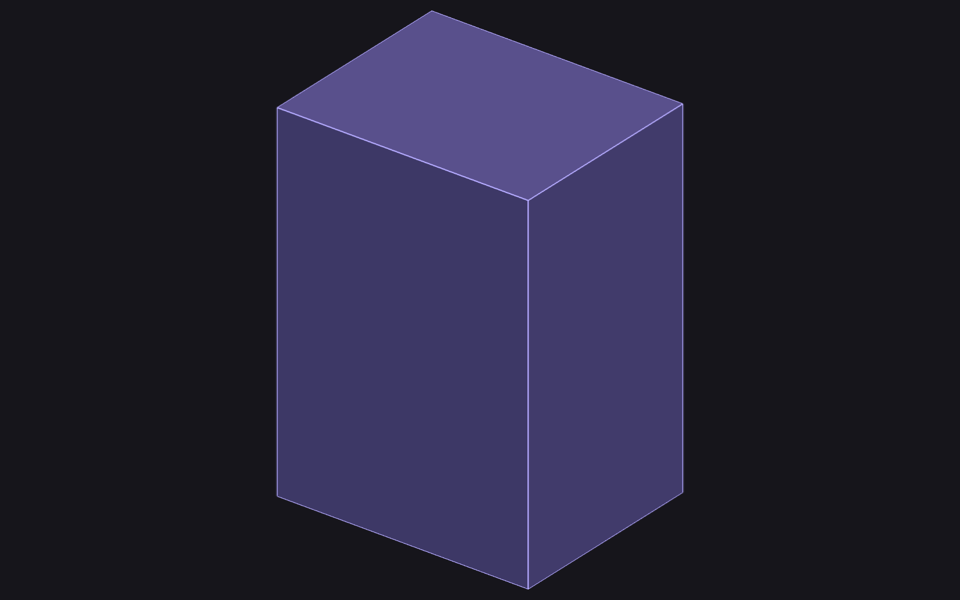
What for. A building volume, a tower, a block of a master plan.
How. Write its width (east-west), depth (north-south) and height. The origin is its lower south-west corner.
What it does.
| Input | What it means |
|---|---|
| width | east-west, along X |
| depth | north-south, along Y |
| height | upwards |
| origin | the lower south-west corner |
Tips.
- Ask for its faces by name with Faces: south, east, north, west, roof, base, or all the façades at once. Then divide a façade with a Grid to put panels on it.
- Faces works on a Box too.
Sphere
Section titled “Sphere”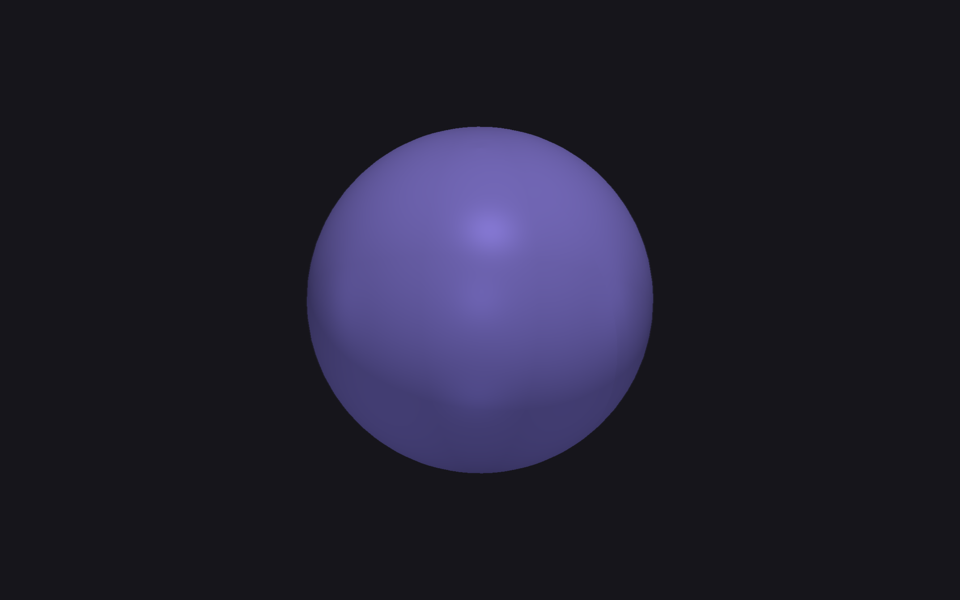
What for. A dome, a reference volume, a zone made visible.
How. Write its centre and its radius.
What it does.
| Input | What it means |
|---|---|
| centre | the point in the middle (0 0 0 by default) |
| radius | in metres |
Tips.
- Several radii give several spheres around the same centre.
Random points
Section titled “Random points”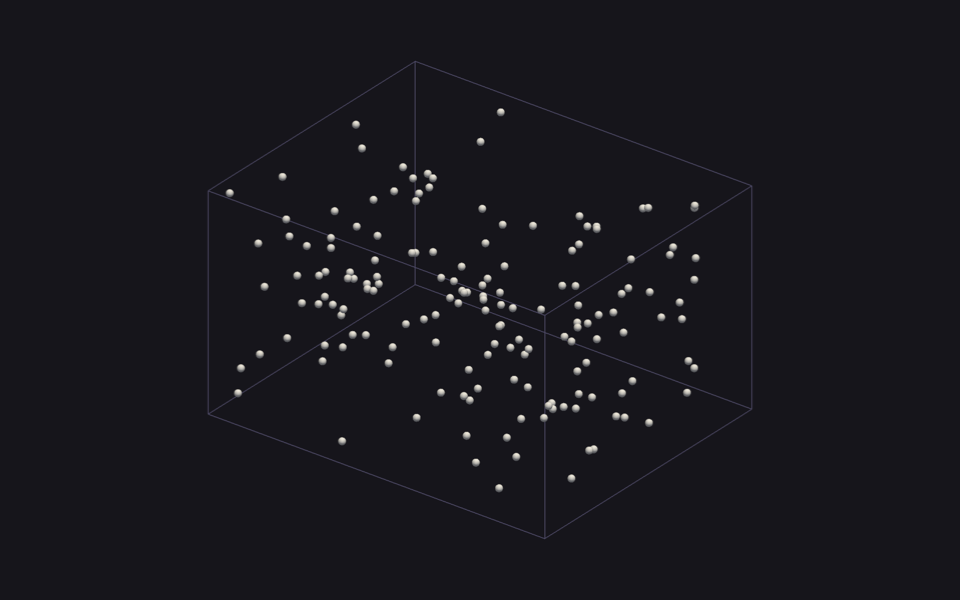
What for. Trees on a plot, holes scattered on a panel, people in a square, the seeds of a Voronoi.
How. Connect a region, a box, a prism or a rectangle, and write how many points you want.
What it does.
| Input | What it means |
|---|---|
| region | where the points fall: inside a volume, or on a rectangle in plan or in elevation |
| count | how many points |
| seed | the same seed always gives the same points; another seed, another layout |
| level | the name of the list of points (point by default) |
Tips.
- Try a few seeds until you like the layout: it will not change again unless you change the seed.
- Connect the points to a Voronoi to turn them into cells.
Bounding box
Section titled “Bounding box”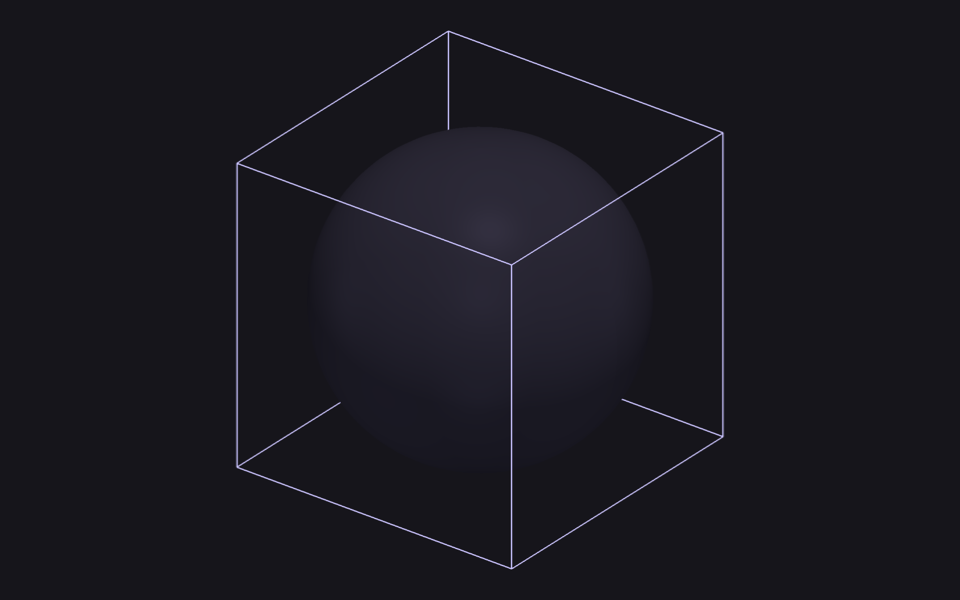
What for. To know how big something is and where it is, or to make the cell that deforms a geometry with Morph.
How. Connect the geometry to wrap.
What it does.
| Input | What it means |
|---|---|
| geometry | what to wrap |
| of | all: one box around everything · each: one box around each element |
Tips.
- With Morph, move the corners of the box and the geometry inside follows: a quick way to taper or twist a form.