Curves are axes, edges, profiles, paths and cables. They are teal on the canvas.
On a curve, a position is a fraction or a distance. Many nodes here ask where on the curve: a fraction
goes from 0 (the start) to 1 (the end), so 0.5 is the middle; a distance is in metres from the start, and
negative from the end.
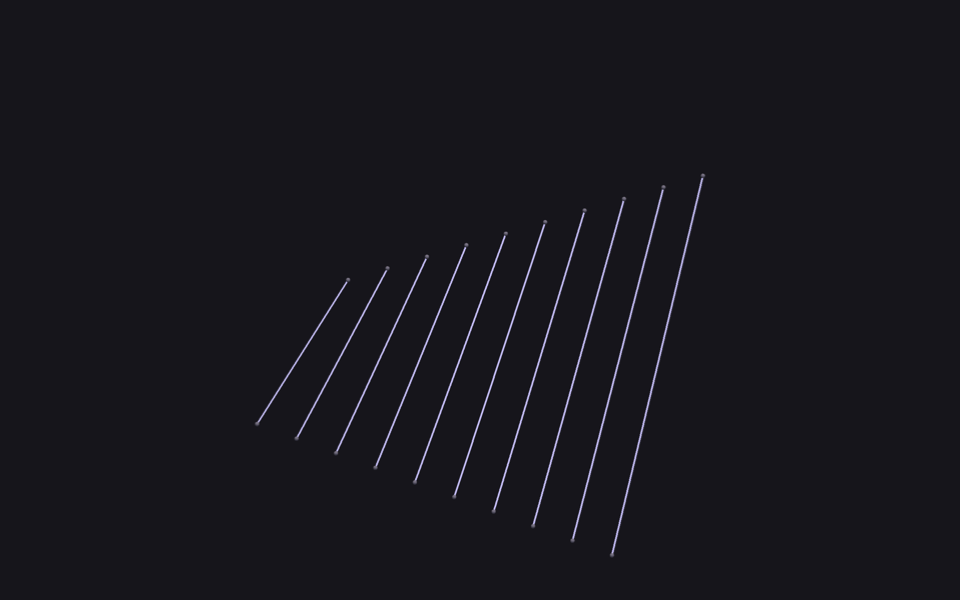
What for. A beam, an edge, an axis between two points.
How. Connect a point to from and another to to. If the points are lists, you get many lines.
Line by direction
Section titled “Line by direction”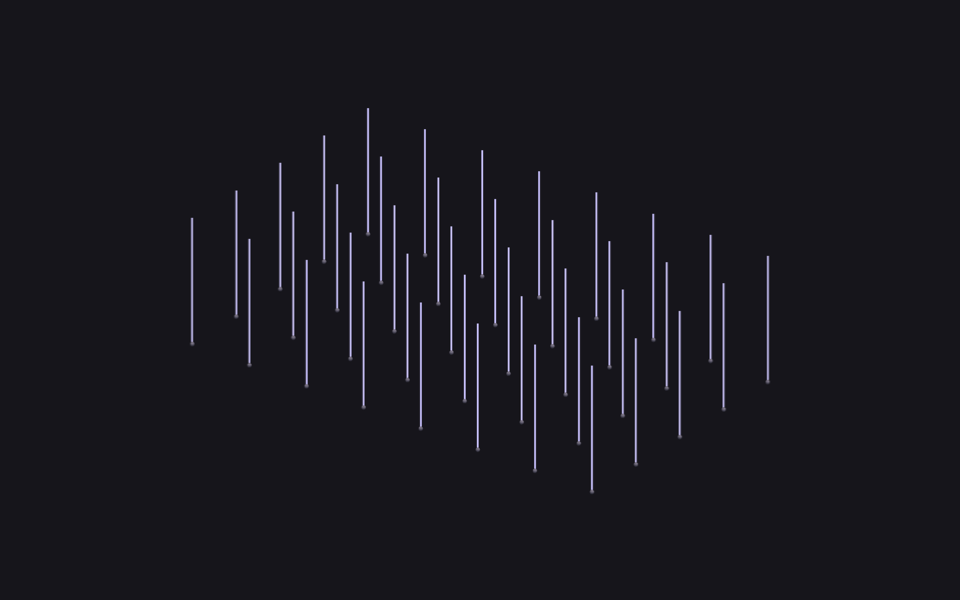
What for. A mast, a column, a perpendicular: a line that starts at a point and goes some way.
How. Connect the point to from, give a direction and a length.
| Input | What it means |
|---|---|
| from | where it starts |
| direction | which way it goes; upwards by default (0 0 1) |
| length | how long; negative, the other way |

What for. A curved edge, a vault profile, a bend that continues a curve without a kink.
How. Choose the mode and give what it asks for.
| Mode | What you give |
|---|---|
| three points | the start, a middle point it passes through, and the end |
| centre and angles | the centre, the radius, and the angles from and to (degrees; 0° towards +X, counter-clockwise) |
| start, direction and end | the start, the direction it leaves in, and the end: it continues a curve without a kink |
Tips.
- To continue a curve smoothly, connect the Tangent of its end to direction.
Catenary
Section titled “Catenary”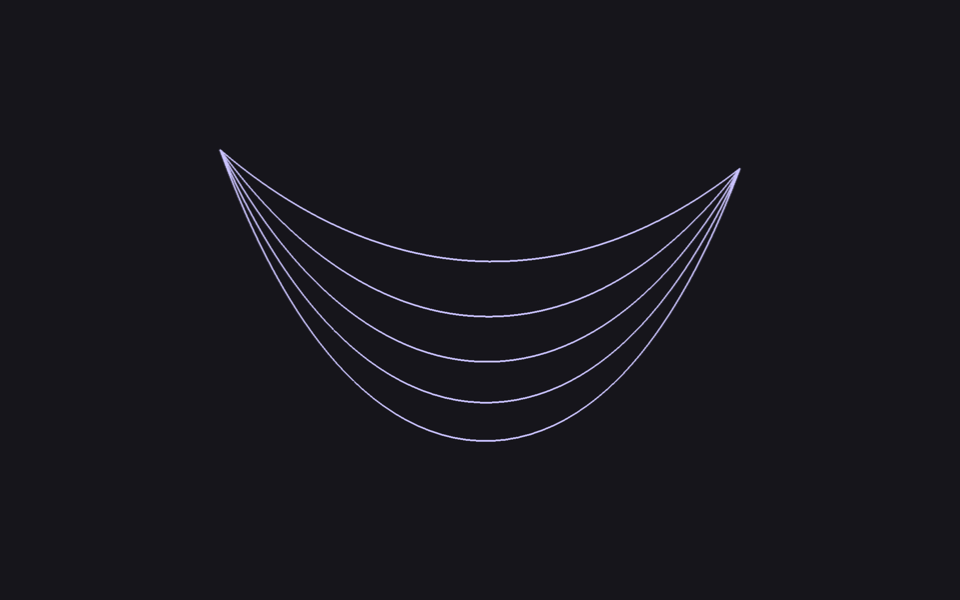
What for. The exact shape of a chain or a cable hanging between two points. Turned upside down, the arch or vault that works mainly in compression, as Gaudí did with his hanging models.
How. Give the start, the end and the length of the cable.
| Input | What it means |
|---|---|
| start, end | where the cable hangs from |
| length | longer, it sags more; shorter than the distance, it stays taut |
| length in | metres, or times the distance between the ends (1.2: a fifth longer), for many cables at different spans |
| gravity | where it hangs towards; upwards (0 0 1) gives the arch |
Tips.
- Its points are evenly spaced along it, ready for Points on curve or for hangers.
Circle
Section titled “Circle”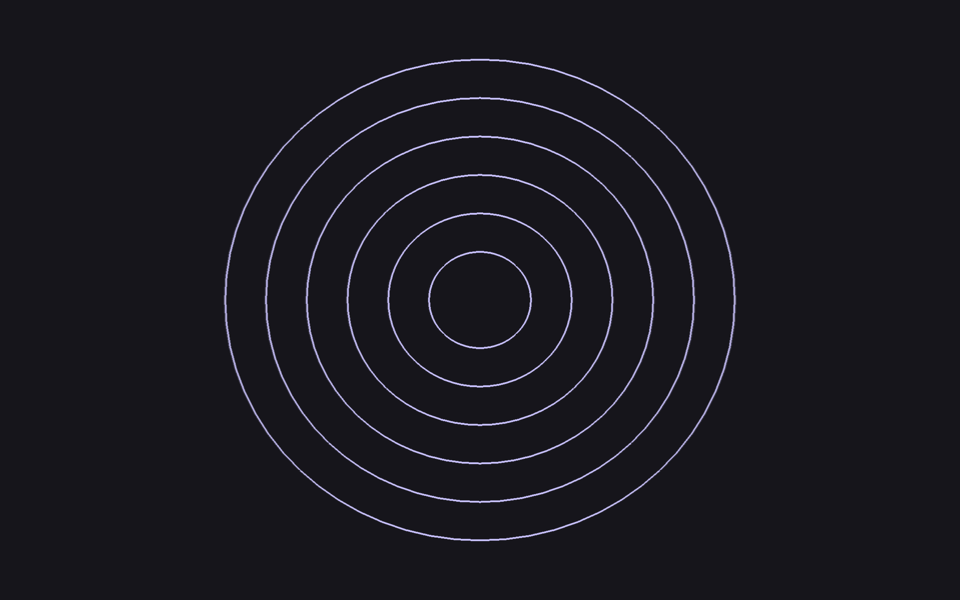
What for. A column section, a round window, an ellipse, a circle touching a curve.
How. Centre and radius, or tangent to a curve.
| Input | What it means |
|---|---|
| mode | centre and radius or tangent to a curve (it touches the curve at a point without crossing it) |
| centre, radius | the usual circle |
| radius 2 | empty: a circle; with a value: an ellipse |
| curve, at, size, side | tangent mode: which curve, where (a fraction or a distance), and on which side |
| plane | plan, elevation or side elevation |
| normal | which way it faces; the normals of a surface lay it on the surface |
Curve through points
Section titled “Curve through points”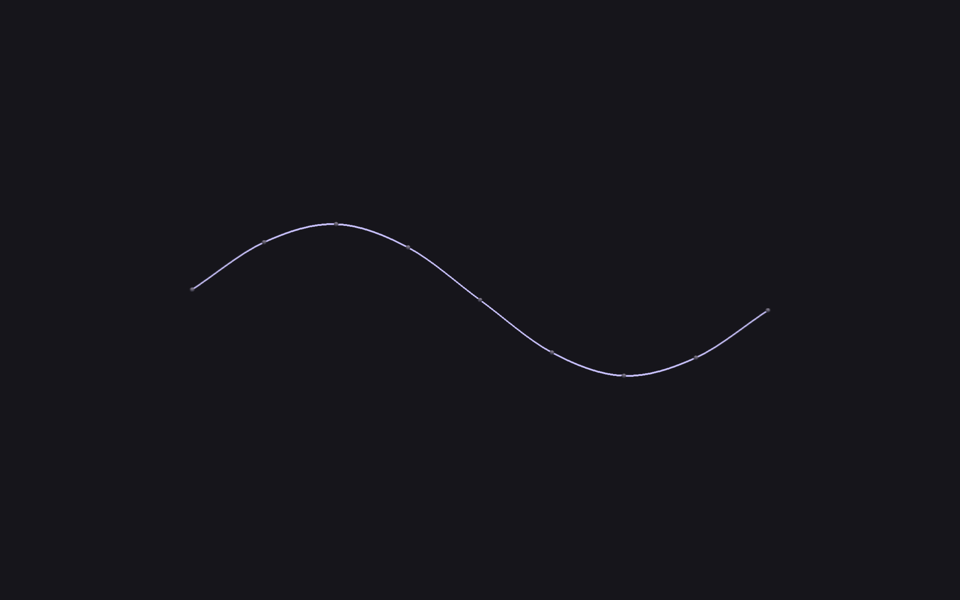
What for. To join points into a curve: a profile, a path, the edge of a roof.
How. Connect the points. They are joined along a level, the last one if you leave along empty.
| Input | What it means |
|---|---|
| points | the points to join |
| along | the level of the points to join; empty: the last |
| smooth | yes: a smooth curve; no: a polyline with corners |
| closed | yes: back to the first point |
Tips.
- With a grid of points,
row × column, you get one curve per row or per column, depending on along.
Transition curve
Section titled “Transition curve”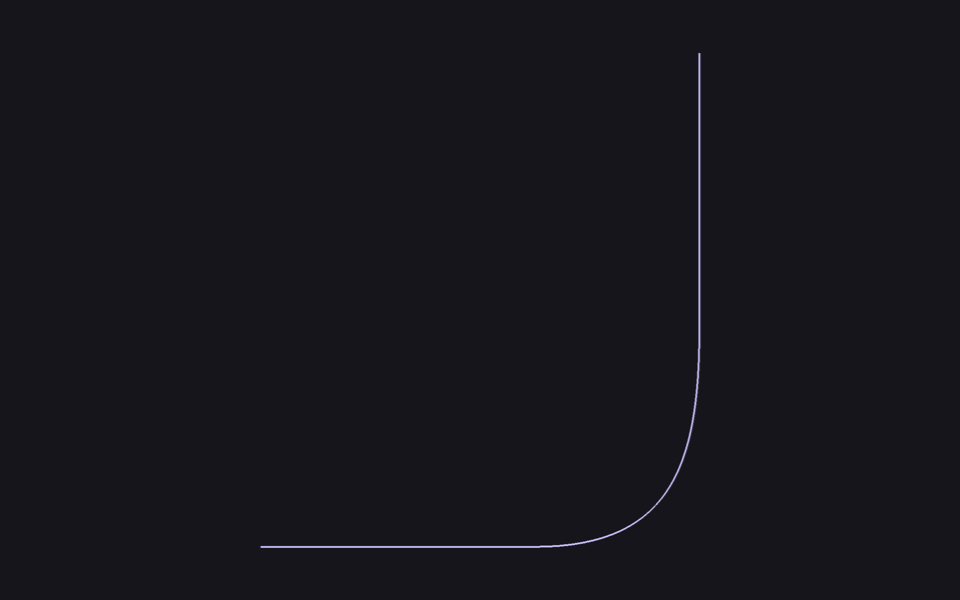
What for. To join the end of one curve to the start of another, smoothly, without kinks.
| Input | What it means |
|---|---|
| a, b | the curve it starts from and the one it arrives at |
| bulge | 0.1: almost straight · 1: very wide |
| join | yes: gives a + transition + b as one curve |
Drawn curve
Section titled “Drawn curve”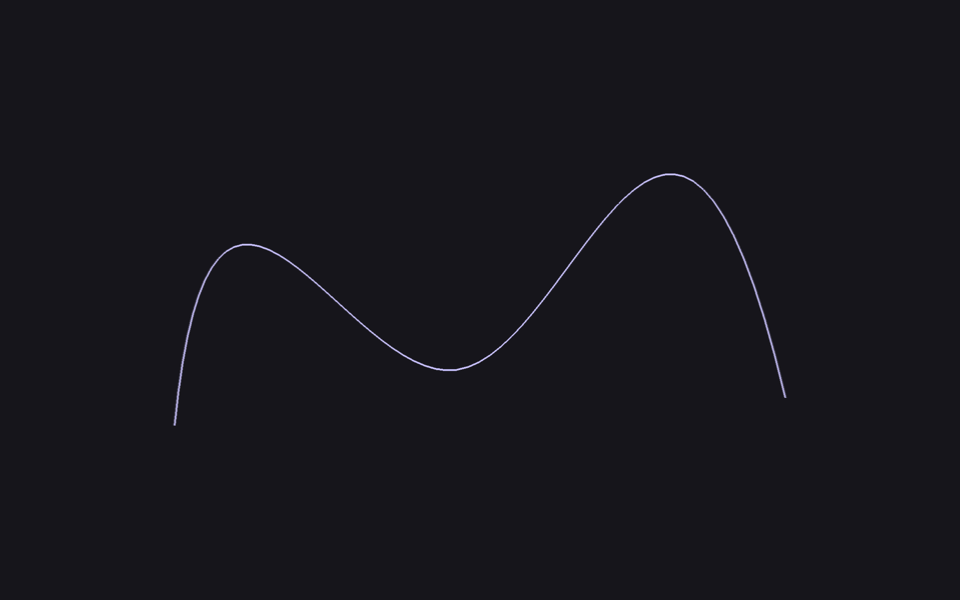
What for. To draw a curve with the mouse, right in the 3D view.
How. Click in the view to place its points, then drag them.
| Input | What it means |
|---|---|
| mode | through points: the curve passes through them · by control points: they pull it like magnets |
| degree | 1: a polyline · 3: smooth · up to 5: tauter |
| closed | yes: a closed curve |
NURBS Curve
Section titled “NURBS Curve”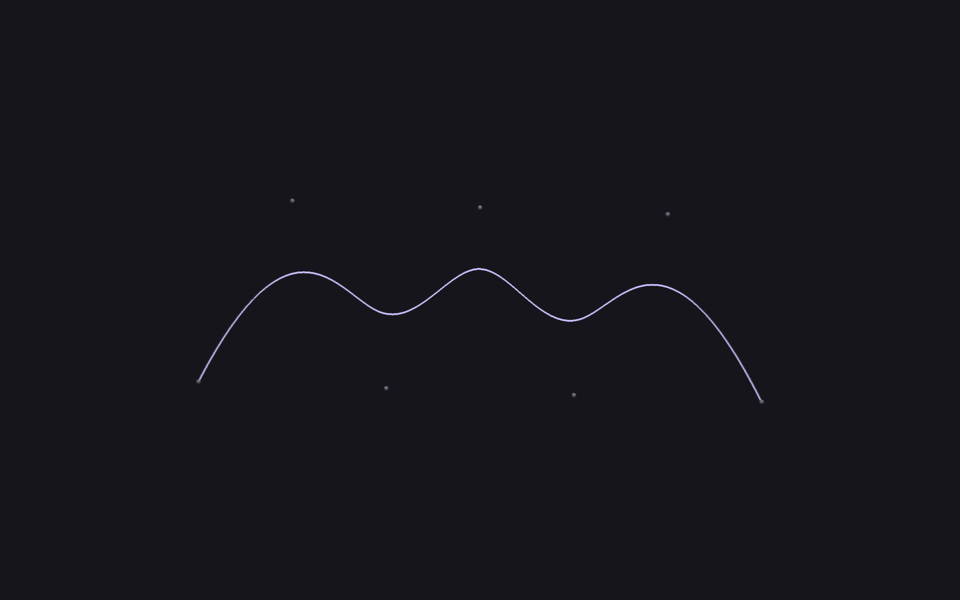
What for. Full control of a free curve: its control points pull it like magnets, with degree, weights and knots.
How. Connect some points, or draw them with Edit curve. In pen mode, place anchors it passes through, with handles that shape it.
| Input | What it means |
|---|---|
| mode | control points or pen |
| degree | 1: the polyline of the points · 2: arcs · 3: smooth · up to 7: tauter |
| weights | how much each point pulls: 1 is normal, more brings the curve closer |
| knots | how the curve is spread between the points: evenly, by distance, halfway, or by hand |
| closed | yes: a closed curve |
Points on curve
Section titled “Points on curve”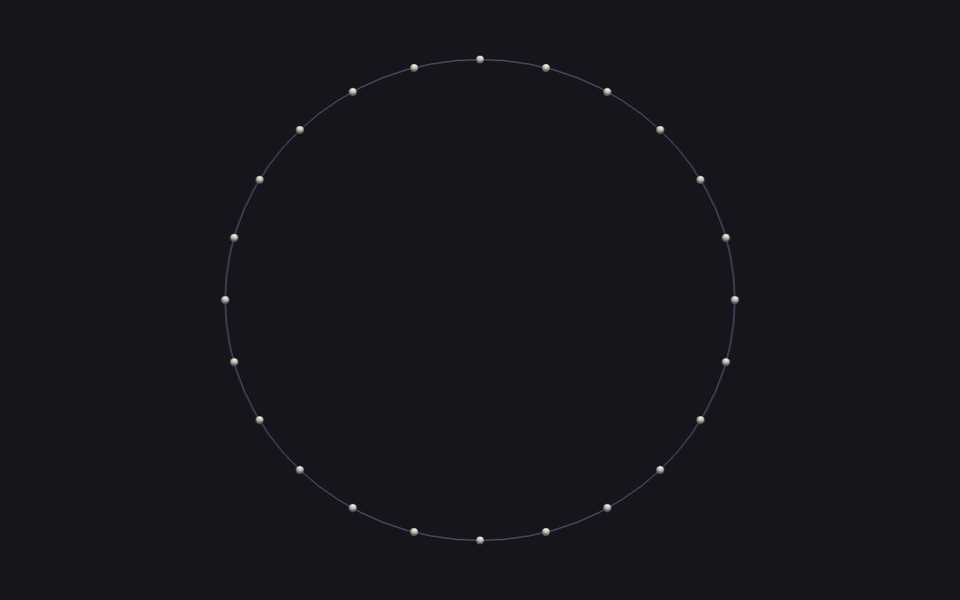
What for. Points along a curve: posts every 3 m, 20 equal divisions, the middle of an edge.
How. Connect the curve and choose the mode.
| Mode | What it gives |
|---|---|
| parts | count points, evenly spread along the curve |
| every | one point every distance metres |
| fraction | the positions as fractions: 0.5 · 0.25; 0.75 |
| distance | the positions in metres: 2; -2 (2 m from each end) |
Tips.
- Name the level (post, rib), so the points combine well later.
Tangent
Section titled “Tangent”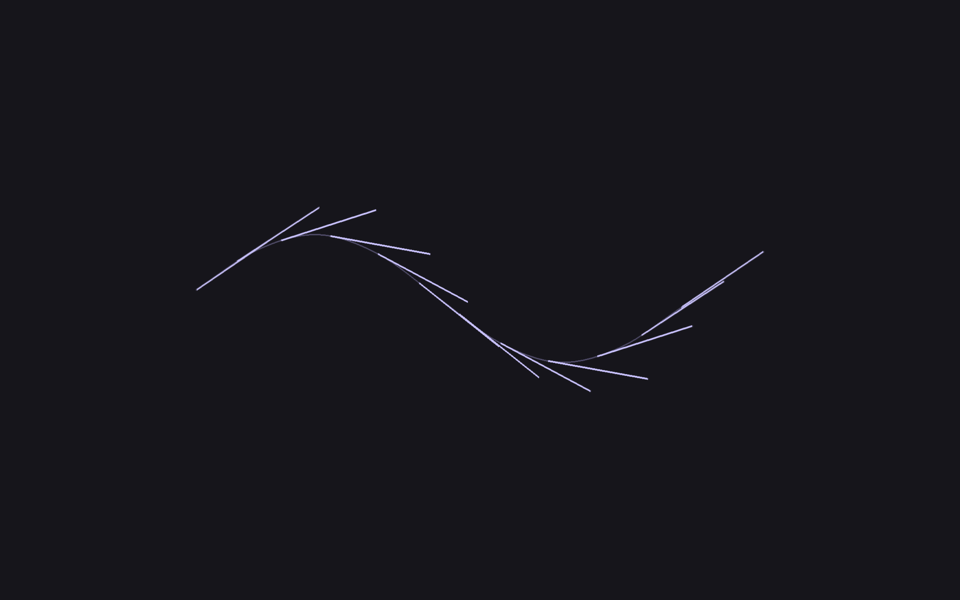
What for. The direction of a curve at some points: where it goes, or its perpendicular. To orient pieces along a path, or to continue a curve.
How. Connect the curve, choose what (tangent or normal) and where, as in Points on curve.
Tips.
- With Points on curve at the same positions, you get each point and its direction.
Flip curve
Section titled “Flip curve”What for. To reverse curves, so they start where they ended. With a direction, all of them end up going the same way: before a Loft, so it does not come out twisted.
Cut curve
Section titled “Cut curve”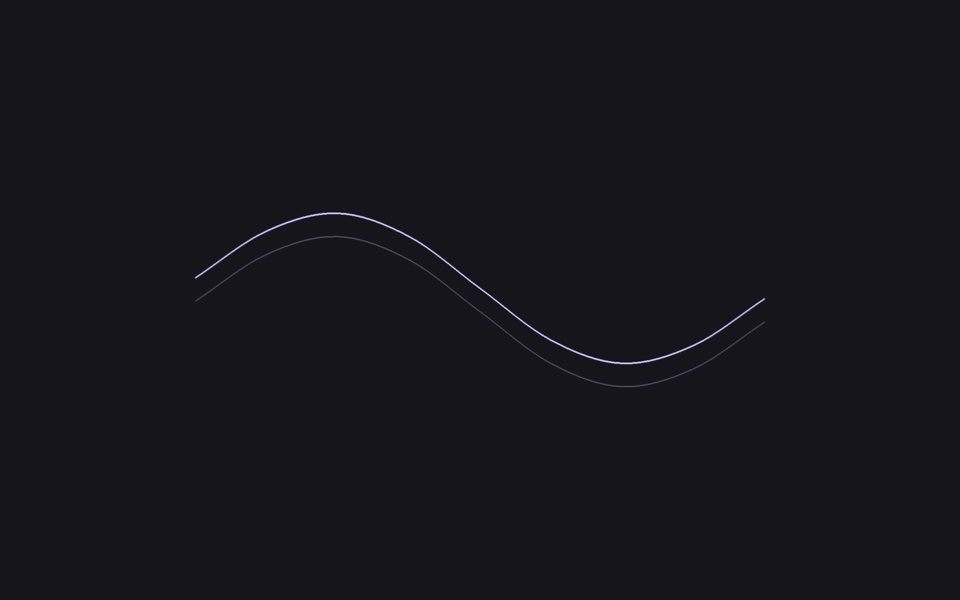
What for. To cut each curve into pieces and work on them one by one.
| Input | What it means |
|---|---|
| mode | parts, every, fraction, distance, or at points (where some points fall) |
| count, distance, positions, points | the values of each mode |
| level | the name of the list of pieces (segment by default) |
Rounded rectangle
Section titled “Rounded rectangle”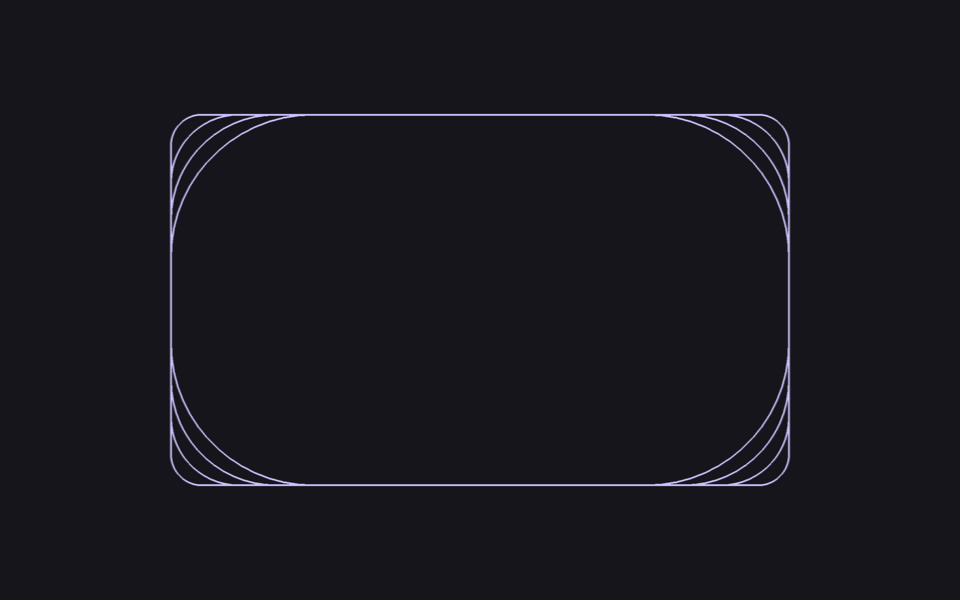
What for. The outline of a rectangle with rounded corners, in plan: a table, a pool, a plot.
| Input | What it means |
|---|---|
| width, height | its size |
| radius | of the corners |
| origin | the lower-left corner |
Part of curve
Section titled “Part of curve”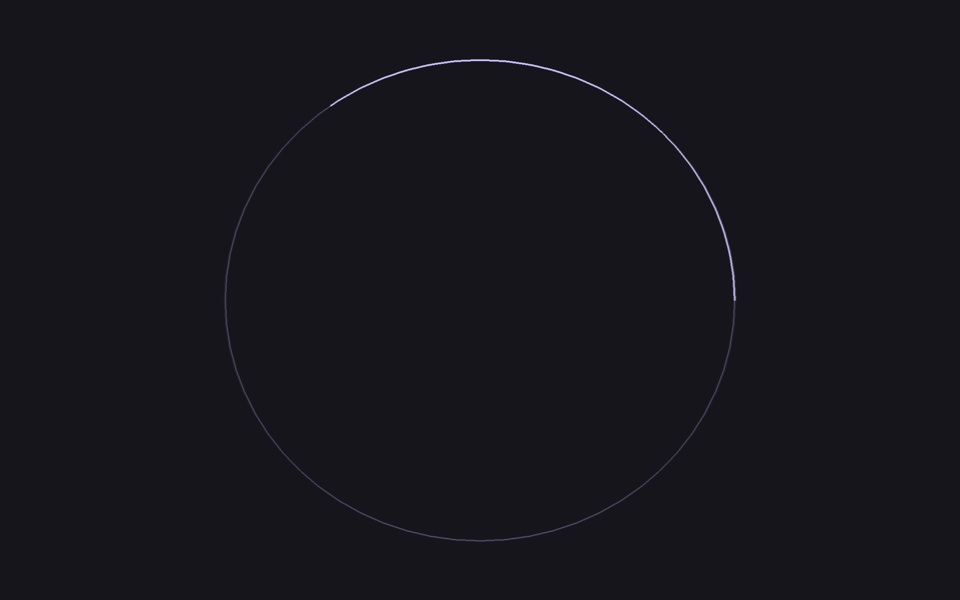
What for. The piece of a curve between two fractions of its length: an arc of a circle, a piece of an edge.
How. Give from and to, from 0 (the start) to 1 (the end). On a closed curve it can wrap around.
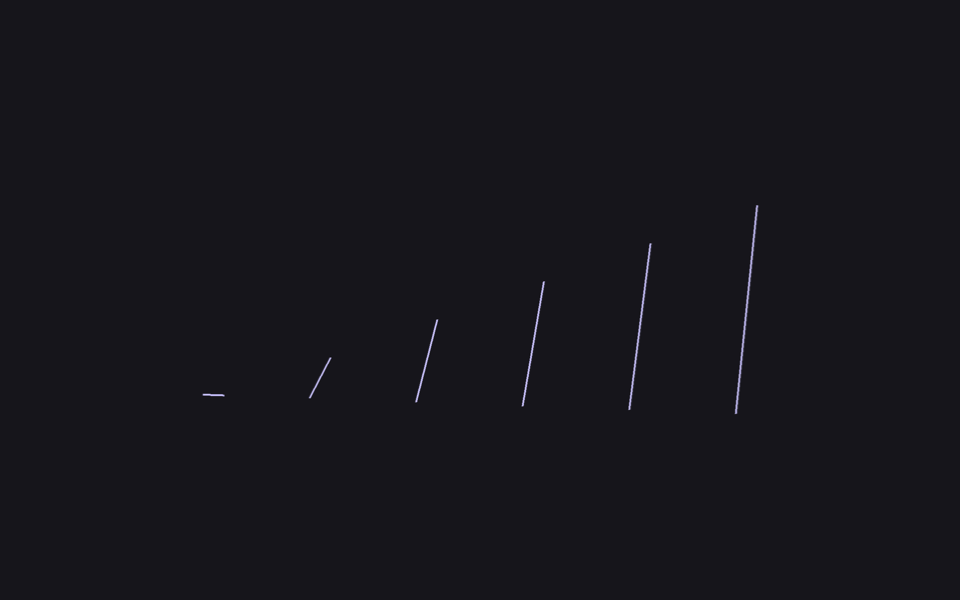
What for. To see a vector, a direction or a force, as an arrow at a point. It also works as a line.
| Input | What it means |
|---|---|
| from | where the arrow starts |
| vector | the direction and size |
| scale | to see it longer or shorter |
Join nearest
Section titled “Join nearest”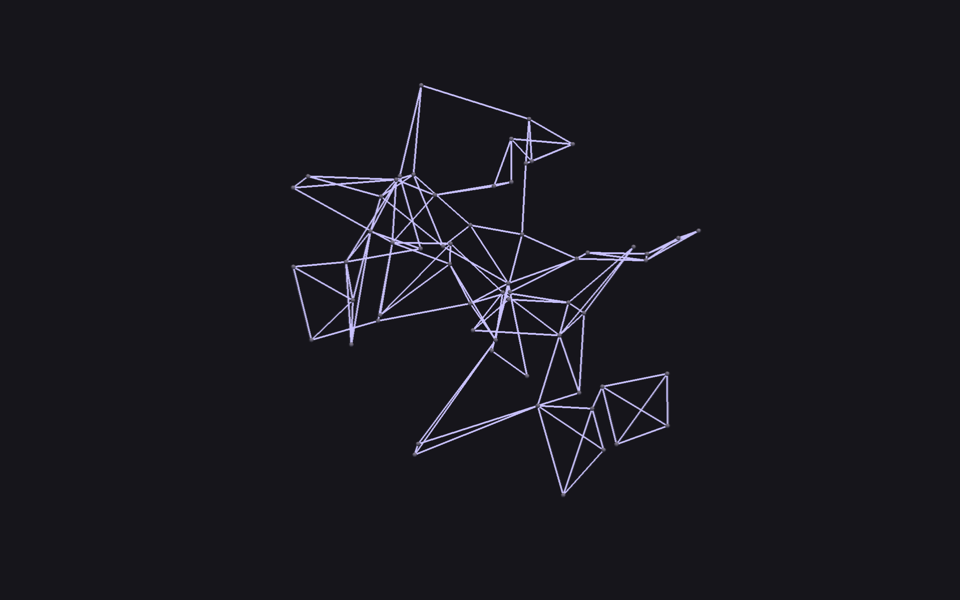
What for. A network of bars: each point joined to its nearest neighbours.
How. Connect the points and say how many neighbours (count) each one joins.
Offset curve
Section titled “Offset curve”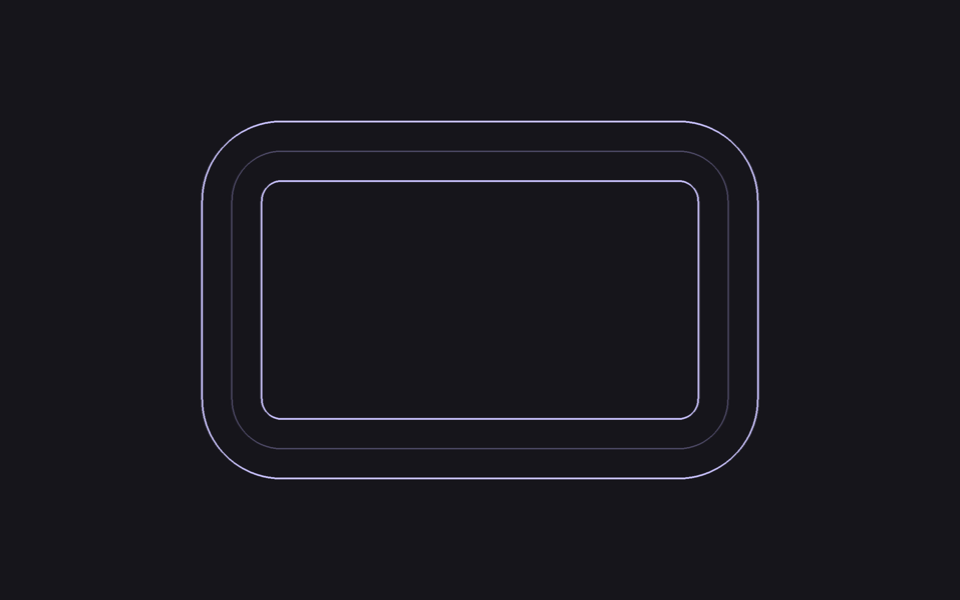
What for. The outline of a wall from its axis, a border around a plan, the second side of a piece to cut.
| Input | What it means |
|---|---|
| curve | one or more flat curves |
| distance | closed curve: outwards (negative: inwards) · open curve: to its left, seen from above (negative: to its right) |
| corners | for closed curves: round or sharp |
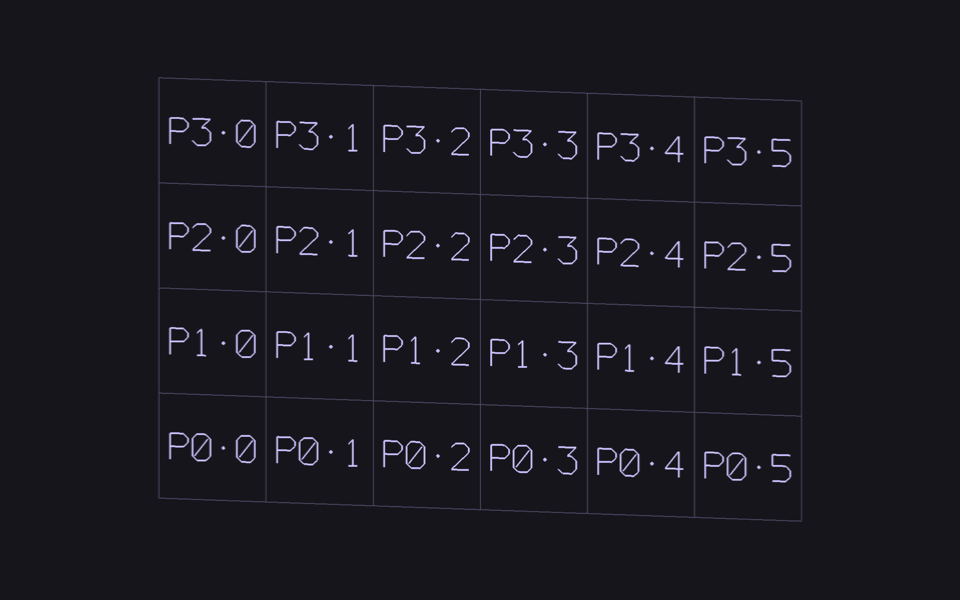
What for. A label on each element: the number of a panel, the letter of a brick type, an area. Seen in 3D, and exported in drawings and cutting files.
How. Connect at (points, or the panels, bodies or curves to label) and write the text.
| Input | What it means |
|---|---|
| text | {n}: the number of each element · {floor}, {row}…: its number in that level · {value}: the number given in value · A; B; C: one text per element · |: a new line |
| value, decimals | the numbers to write with {value}, and how many decimals |
| height | of the capital letters |
| plane | plan, elevation, side elevation, or on the face (lying on each panel) |
| lettering | plain or rounded: single-stroke letters, to engrave · font: an installed font, as outlines |
| font, align | which font, and how lines align |
Tips.
P{n}writesP0, P1, P2…;F{floor}-{bay}writesF0-0, F0-1…;{value} m2writes each area.
Contour
Section titled “Contour”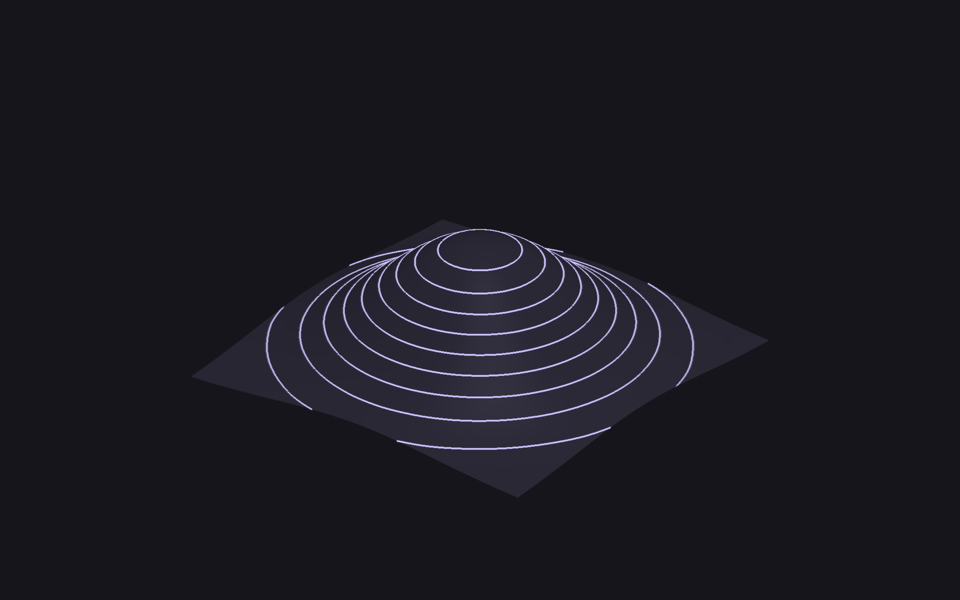
What for. Cuts a surface or a volume with parallel planes at a set spacing: contour lines of a terrain, slabs of a tower, rings.
| Input | What it means |
|---|---|
| geometry | a surface, a volume or a mesh |
| distance | how often to cut |
| direction | which way the cuts advance; upwards: horizontal cuts |
| start | the height of the first cut; empty: the lowest point |
| level | the name of the list of cuts (cut by default) |