
Measure is where a design starts to answer back: how far each panel is from a point, how big each cell is, which pieces pass a rule. These nodes are violet on the canvas, and most of them give numbers, one per element, that you connect to a size, an angle or a distance. See Conditions and attractors.
To see those numbers on the model, paint the geometry by a value in its panel (Colour → by a value): that is how the pictures of this page were made.
Closeness
Section titled “Closeness”Attractor
Section titled “Attractor”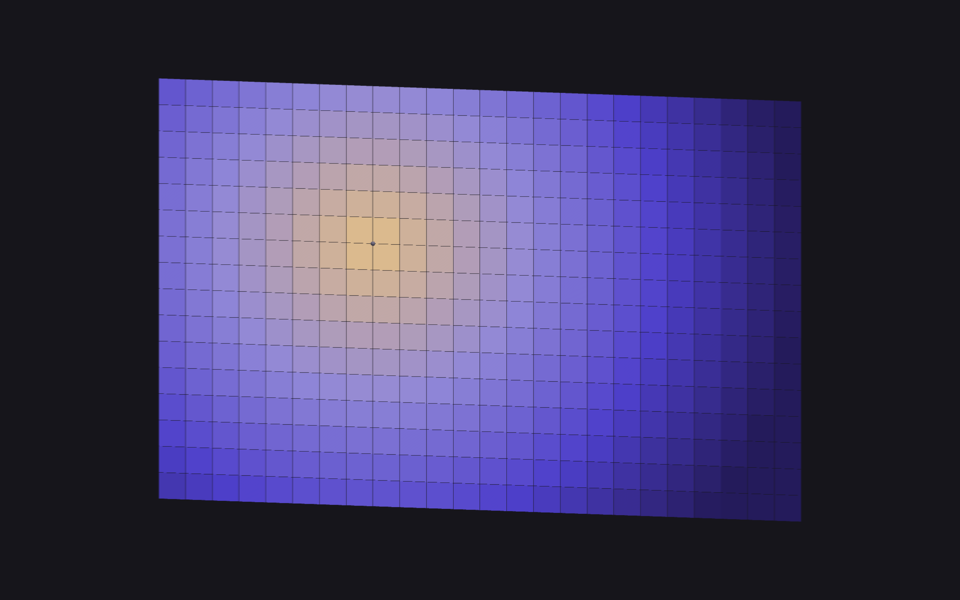
What for. A value per element by how close it is to some points or curves: fins that open near an entrance, panels that shrink towards a corner, holes that grow along a path.
| Input | What it means |
|---|---|
| where | the points that feel it, or a geometry (each element by its centre) |
| attractors, more | one or more points or curves; more to mix points and curves |
| reach | how far the effect goes, in metres; empty: to the farthest one |
| near, far | the value next to the attractor, and at the reach or beyond |
| several | the closest rules, or their effects add up |
| curve | linear, smooth, ease in or ease out |
Tips.
- Connect what it gives to the rotation of a Place, the factor of a Scale or the distance of a Move.
Distance
Section titled “Distance”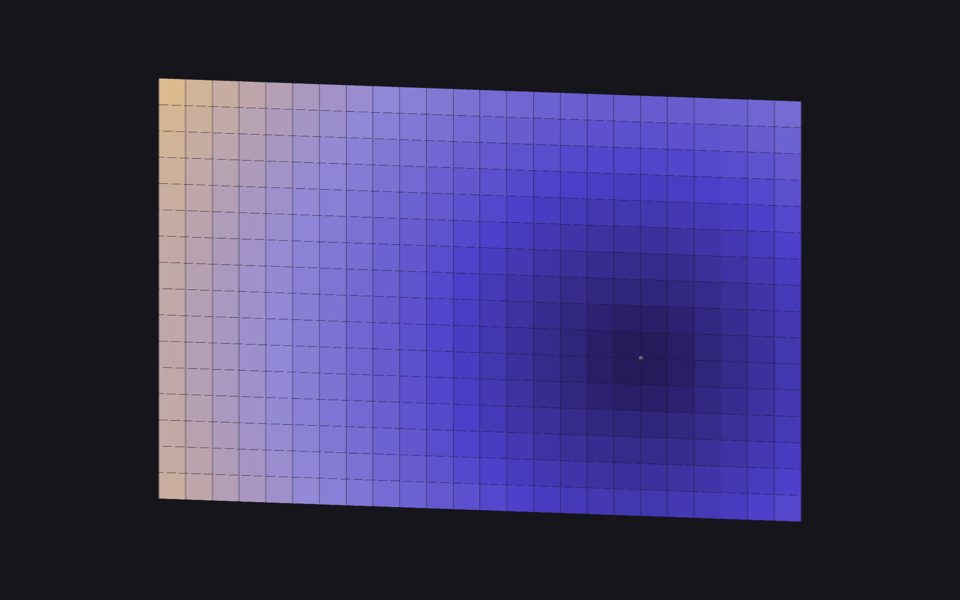
What for. The distance between points, in metres: each panel to a point, each column to the next.
How. Connect points to a and b. With lists of different names, every one with every other one.
Closest point
Section titled “Closest point”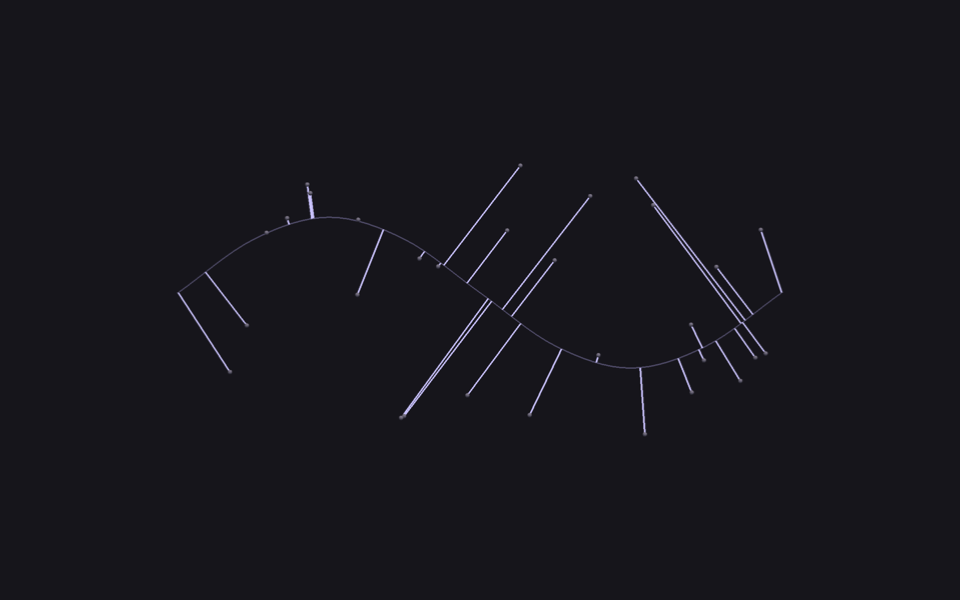
What for. The point of a curve closest to each point: to join them with lines, to orient something towards the curve, or to know where it falls along it.
| Input | What it means |
|---|---|
| points | the points, or a geometry (each element by its centre) |
| curve | the curve to search on |
| gives | the point on the curve, its fraction along it, or the distance |
From one range to another
Section titled “From one range to another”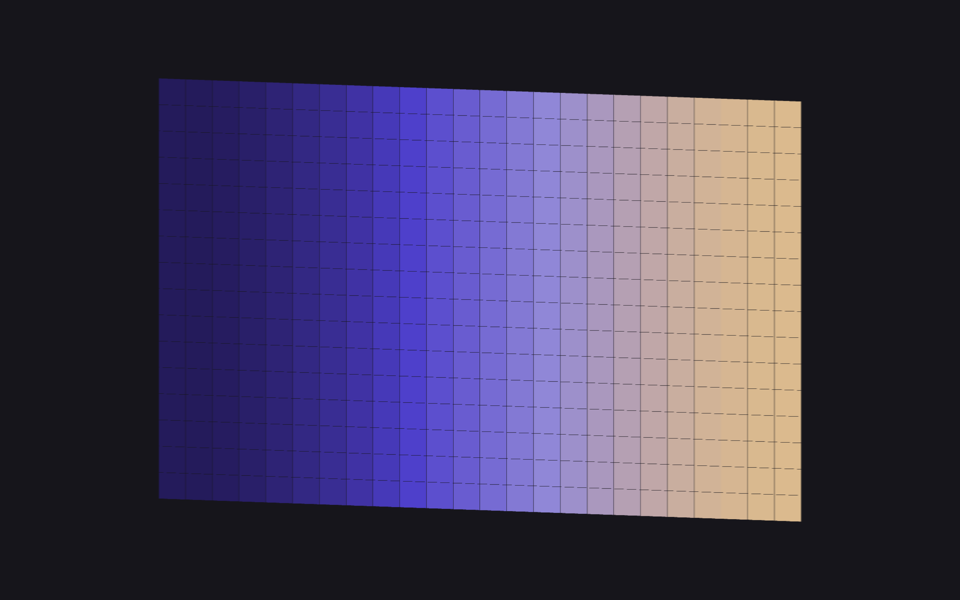
What for. To take a value from one range to another: distances from 0 to 12 m into angles from 90° to 0°.
| Input | What it means |
|---|---|
| value | the numbers to remap |
| from min, from max | the source range; empty: the smallest and largest of the data |
| to min, to max | the range they go to |
| curve | linear, smooth, ease in or ease out |
| limit | yes: what goes past the source range stays at the end |
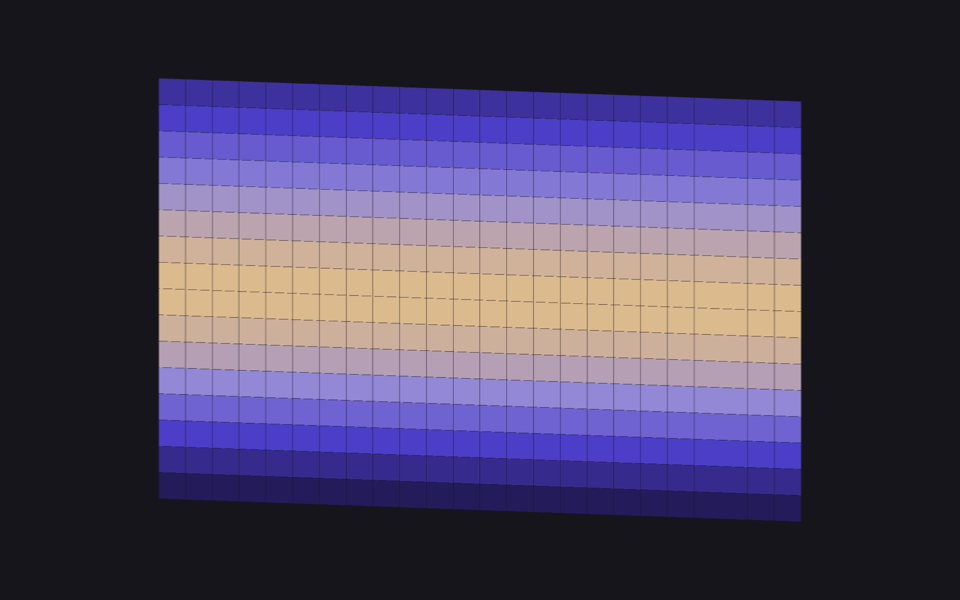
What for. Like Remap, but you draw the curve by moving its points in the panel: you decide how a value changes from bottom to top without writing a formula.
| Input | What it means |
|---|---|
| value | the numbers that go through the graph |
| points | the points of the curve, moved in the panel |
| to min, to max | what comes out at the bottom and the top |
| smooth | yes: a smooth curve · no: straight segments |
| from min, from max | the source range; empty: that of the data |
Tips.
- A guide curve, a Distance to it and a Graph make reliefs without any formula.
Image sampler
Section titled “Image sampler”What for. A value at each point read from an image: how light the picture is there. To perforate a façade from a photo, or to raise columns from a drawing.
| Input | What it means |
|---|---|
| file | the image: a photo, a drawing, a gradient |
| where | the points that read it, or a geometry (each element by its centre) |
| frame | where the image is laid, stretched to fit; empty: around the points |
| plane | how it is laid: plan, elevation or side elevation |
| channel | brightness, red, green, blue or alpha |
| black, white | the values for dark and for light; swap them to invert |
Summarise
Section titled “Summarise”What for. One number from many: the total area of a façade, the tallest floor, the average angle, how many.
| Input | What it means |
|---|---|
| data | the numbers |
| operation | maximum, minimum, sum, average or tally (how many) |
| along | which level disappears; empty: all of them |
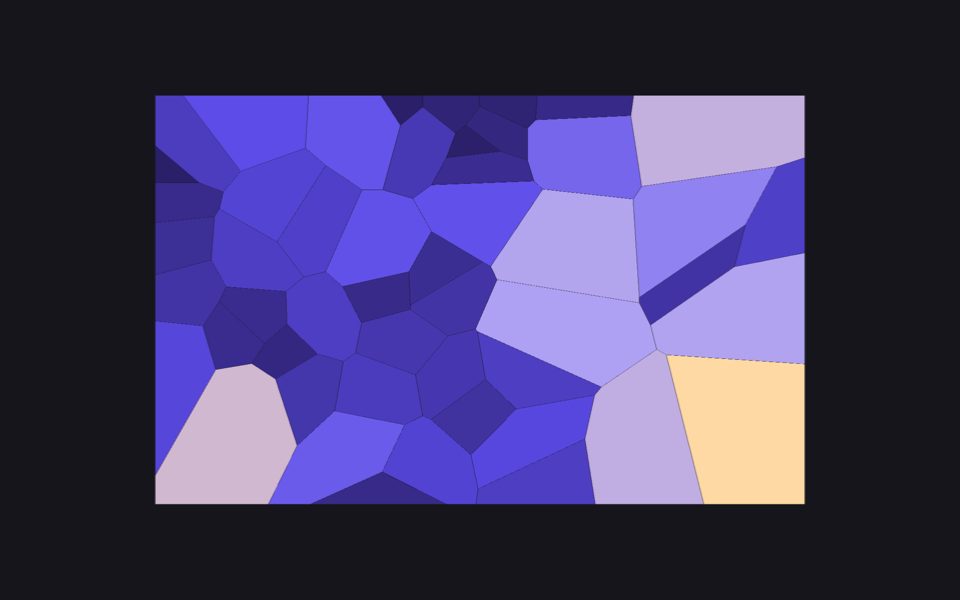
What for. The area of each element in m²: a plan, a surface, the skin of a volume.
Length
Section titled “Length”
What for. The length of each curve in metres: a cable, an edge, a perimeter.
Volume
Section titled “Volume”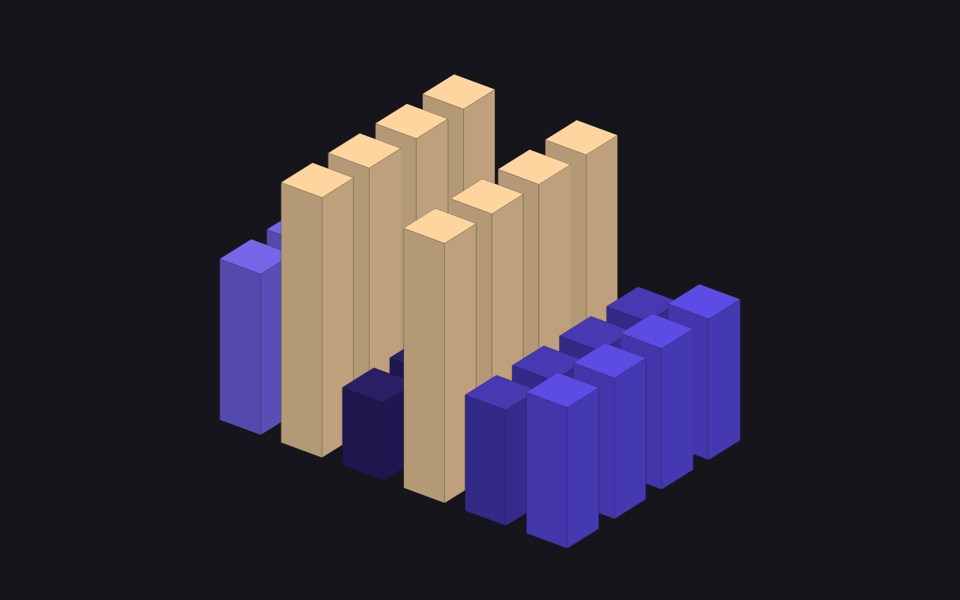
What for. The volume of each closed body in m³: a box, a prism, some pipes.
Tips.
- A rectangle has no volume: it is not closed. Extrude it with caps first.
Centroid
Section titled “Centroid”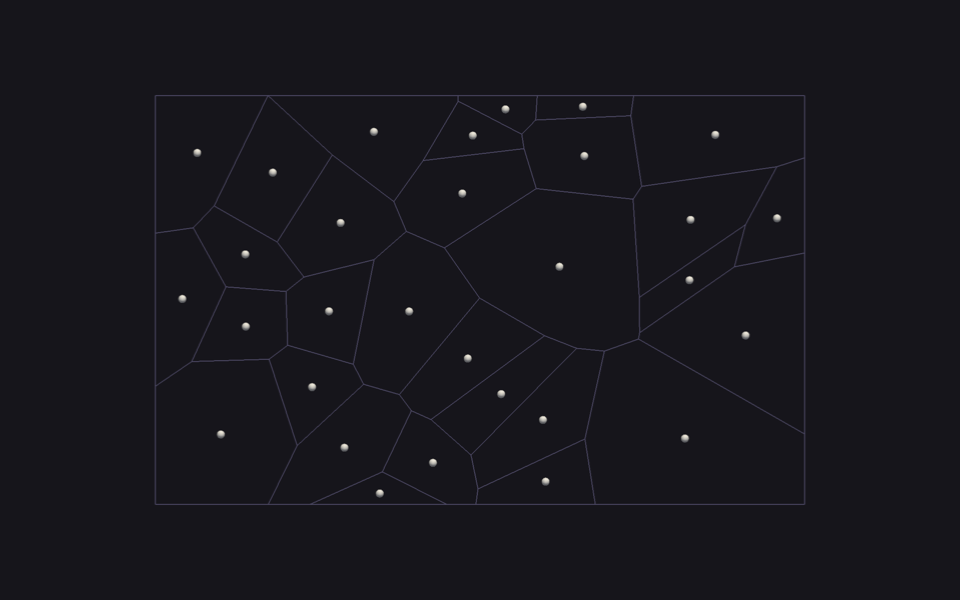
What for. The centre of gravity of each element: of its volume, area or length. Not the average of its corners, which is what Centre gives.
Coordinate
Section titled “Coordinate”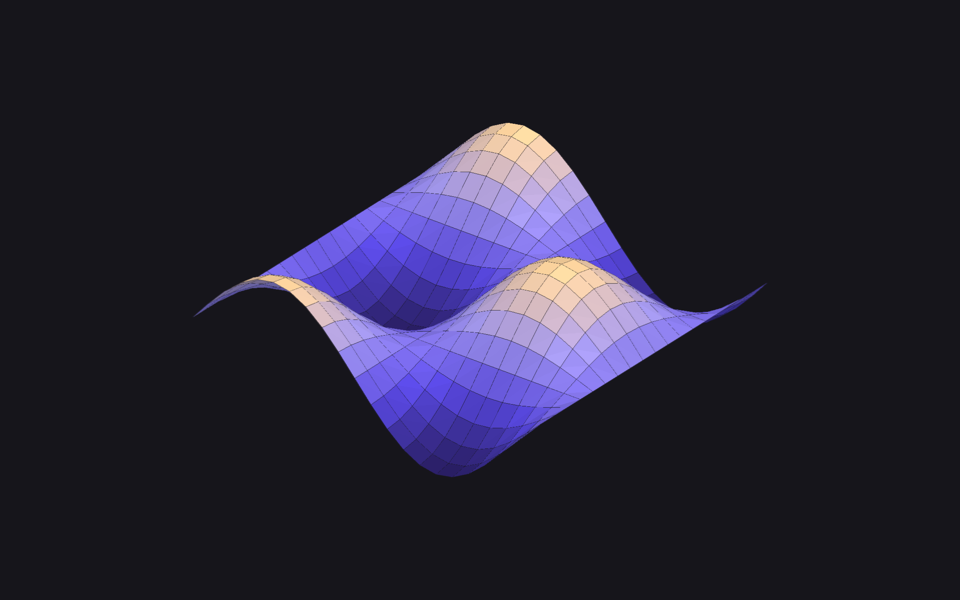
What for. The x, y or z of each point: to compare it (the panels on one side, the ones above a height) or to use it in a Formula.
Normal
Section titled “Normal”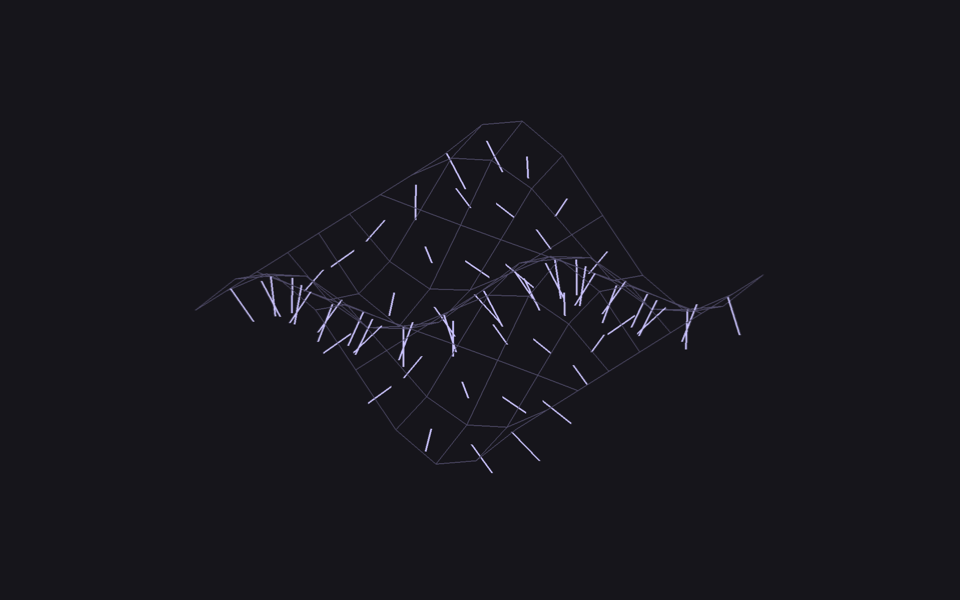
What for. Where each rectangle faces: outwards on the faces of a prism, or on the panels of a surface. To stand things on a surface with Orient, or to test which panels face south.
Measure vector
Section titled “Measure vector”What for. The length of a vector, or the angle in degrees between two: 90, perpendicular.
| Input | What it means |
|---|---|
| mode | length or angle |
| base | the vector to measure |
| other | the second vector; vertical by default |
Conditions
Section titled “Conditions”Compare
Section titled “Compare”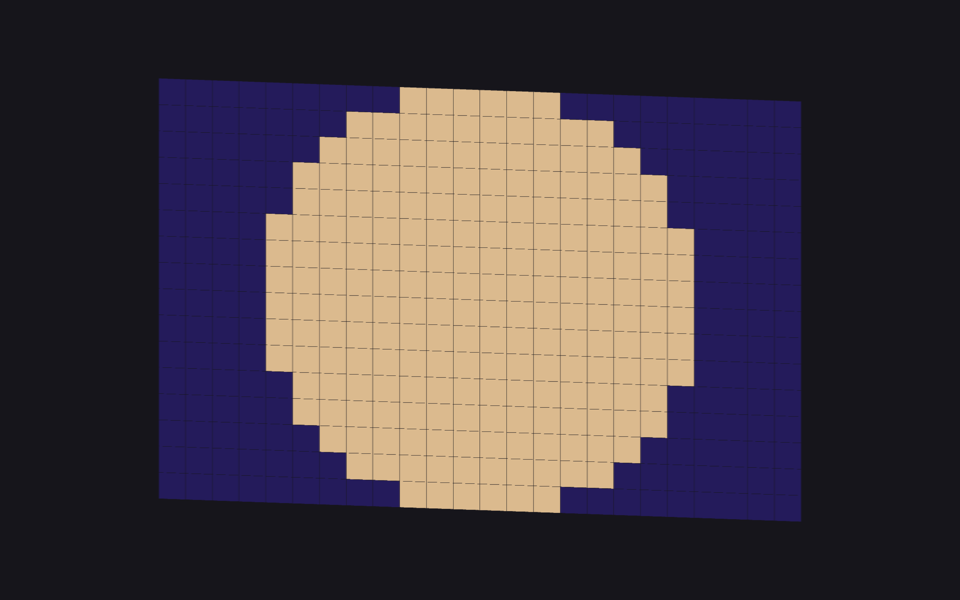
What for. A yes or no per element: a is less, less or equal, greater, greater or equal, equal or different from b.
Combine conditions
Section titled “Combine conditions”What for. To join two conditions: and (both), or (either), only one, or not (the opposite of a).
Inside
Section titled “Inside”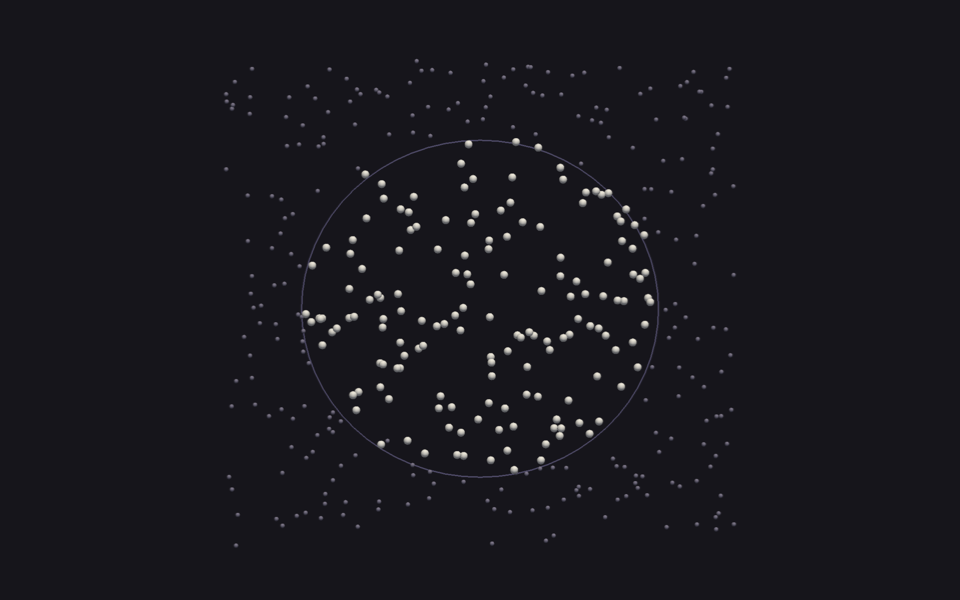
What for. Yes or no for each point: whether it falls inside a plan, seen from above, or inside a closed volume. The columns inside the courtyard, the trees inside the building.
Choose
Section titled “Choose”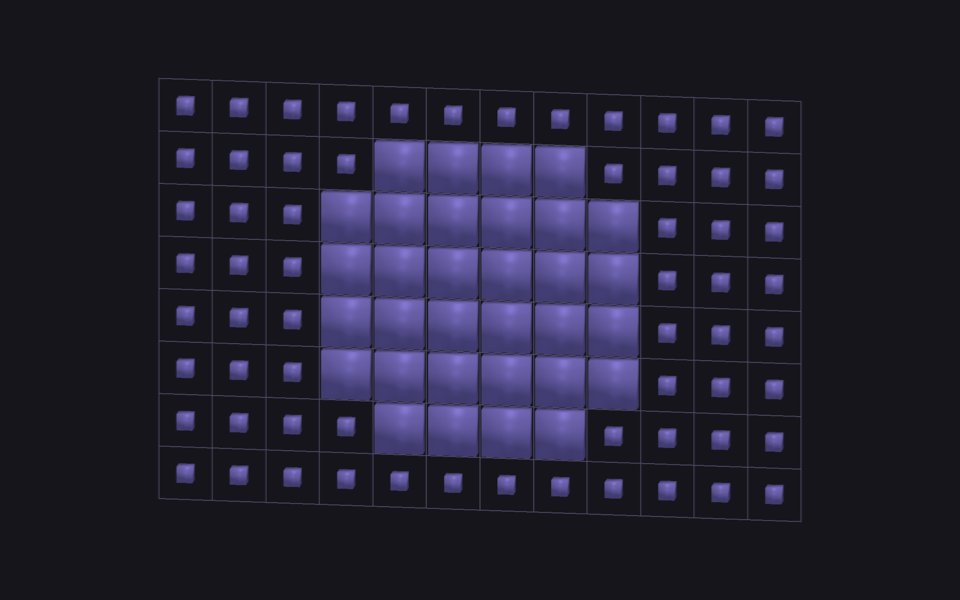
What for. One thing or another for each element: where the condition holds, the yes; otherwise the no. An open panel or a closed one. With a single Yes or no, a whole variant or the other.
Filter
Section titled “Filter”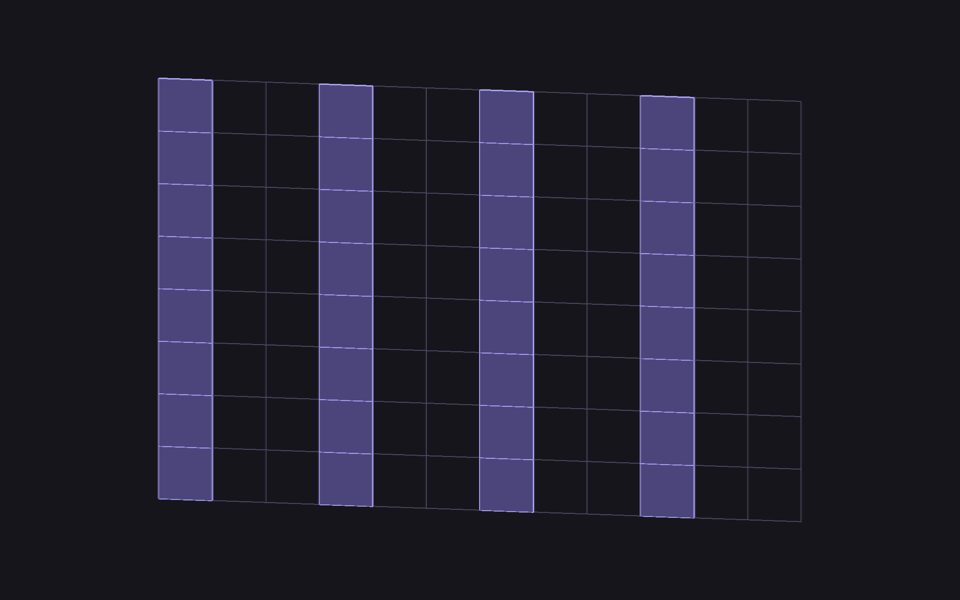
What for. To keep some elements: those meeting a condition, those of a pattern, or one in every few.
| Input | What it means |
|---|---|
| mode | condition, pattern (yes; no; no keeps one in three) or every (one in every so many) |
| condition, pattern, every, from | the values of each mode |
| level | which level; empty: the only one |
| remove | yes: the others go and the list gets shorter · no: they stay in their place, empty |
| keep | those that do or those that don’t: two Filters, one of each, split a list in two |