Values are the numbers and lists that drive a design: the width of a bay, 16 floors, an angle that depends on a distance. They are green on the canvas.
Number
Section titled “Number”What for. A value you want to change by hand: the height of a floor, the depth of a fin. Or a short list typed by hand: floors of different heights, bays of different widths.
How. Write the value. In the window it becomes a slider you can drag.
| Input | What it means |
|---|---|
| value | one number, or several separated by ;: 3.5; 3; 3; 4 |
| level | the name of the list when there are several values: floor, bay, axis |
Tips.
- With several values, give the list a name, so it pairs or crosses well with others. Lists with names
Series
Section titled “Series”What for. Many numbers that follow a rule: 25 floors every 3.2 m, 12 steps, 40 fins spread across a facade.
How. Write how many (count) and how they advance: with step (from the start, so much each time) or between two (spread evenly from the start to the end).
| Input | What it means |
|---|---|
| count | how many numbers |
| mode | with step or between two |
| start | the first number |
| step | how much each one adds (with step) |
| to | the last number, included (between two) |
| level | the name of the new list: floor, step, axis |
Tips.
- A Series is the usual way to start a list. Name its level from the start.
count 5, start 0, step 3.2gives0; 3.2; 6.4; 9.6; 12.8: the levels of five floors.
Formula
Section titled “Formula”What for. A calculation, like a spreadsheet cell: an angle from a distance, a height that grows floor by floor.
How. Write the formula with the letters a to h, and connect a value to each letter you use. The letters e to h appear when you write them.
| Input | What it means |
|---|---|
| formula | as in a spreadsheet: a * 3.5, if(a < 5; 90; 0), sin(a) |
| a … h | the values the formula uses |
Tips.
- Angles are in degrees:
sin(30)is 0.5. - It understands Spanish and English, even mixed:
si(a < 7; 3; 6)=if(a < 7, 3, 6). - If a is a list of 240 values, the formula is calculated 240 times, once for each.
Function
Section titled “Function”
What for. Ready-made shapes for a number: a wave, an arch, a catenary, a hill, a saddle. To give a facade a wave or a roof a swell without writing a formula.
How. Choose the shape, connect where it is calculated (x, and y for the shapes of two variables), and set its amplitude and width.
| Input | What it means |
|---|---|
| shape | of one variable: wave, ramp, parabola, catenary, bell, stair step, sawtooth · of two: swell, ripples, hill, saddle, dome, pyramid |
| x | where it is calculated: a Series, some distances, the x of some points |
| y | the second variable, for the shapes of two: another Series, with another level name |
| amplitude | how high it rises |
| width | how often it repeats, or how big the shape is |
Tips.
- The saddle is the hyperbolic paraboloid, the shape of many shells by Félix Candela.
- The panel of the node says what each shape is good for.
Random
Section titled “Random”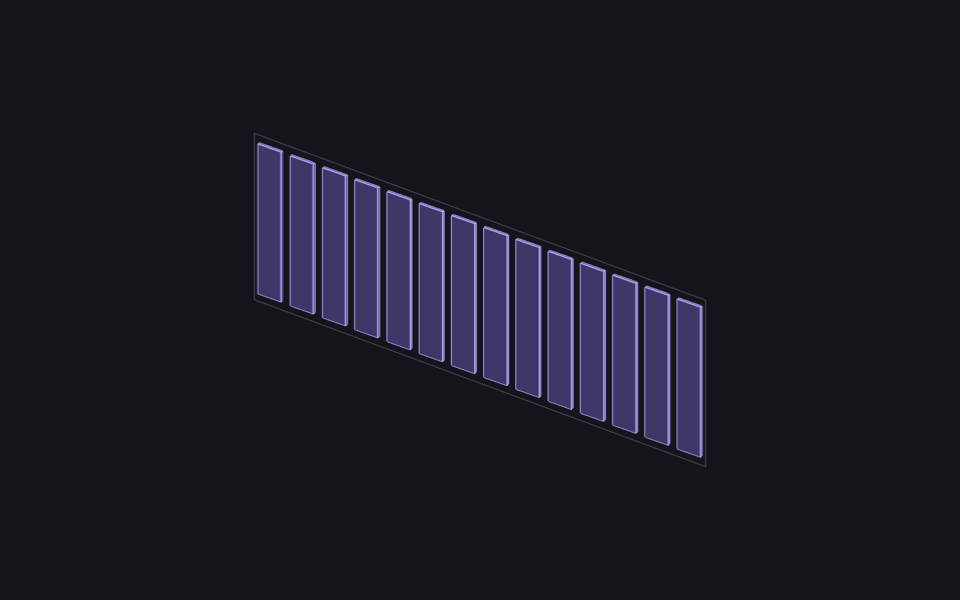
What for. A bit of variety: fins of slightly different angles, panels of random colours, trees of different heights.
How. Per element: one random number for each element of some data. Count: a loose amount of numbers.
| Input | What it means |
|---|---|
| mode | per element or count |
| data | the elements that get a number each (per element) |
| along | one number for each… cell, row; empty: the first level |
| count | how many numbers (count) |
| level | the name of the new list; the same name as another list, to pair them |
| minimum, maximum | the range |
| integers | yes: whole numbers, from minimum to maximum, both included |
| seed | the same seed always gives the same numbers; another seed, others |
Tips.
- Random here is repeatable: the design does not change every time you open it, only when you change the seed.
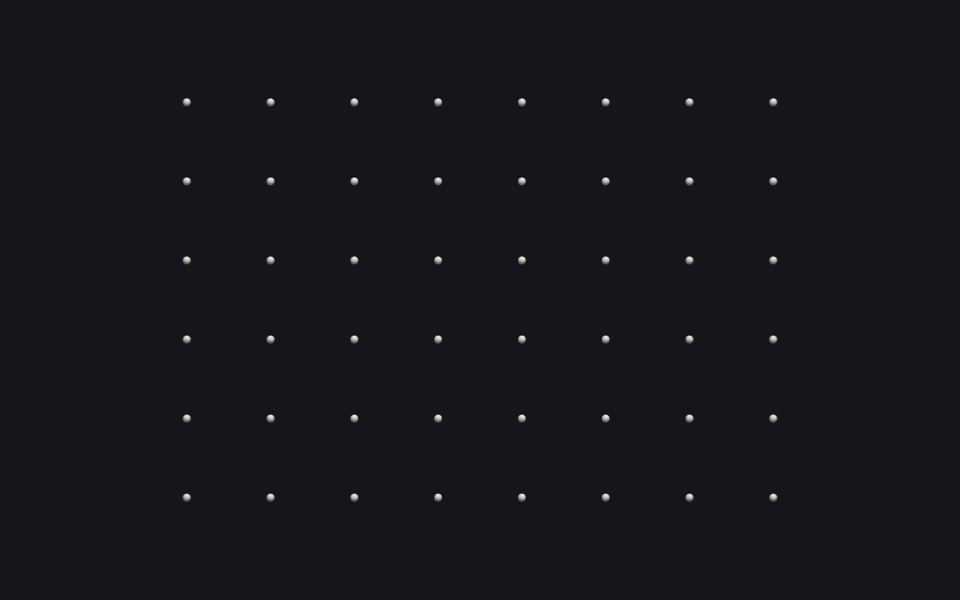
What for. A point in space: an attractor, a corner, the centre of something.
How. Write its x, y and z.
Tips.
- If a coordinate is a list, you get many points. Two lists with different names give a grid of points. Lists with names
- X goes east, Y goes north, Z goes up.
Yes or no
Section titled “Yes or no”What for. A switch: to turn a part of the model on or off, or to compare two variants.
How. Connect it to the condition of a Choose, which then gives one variant or the other.
What for. To read what a cable carries: numbers, a list, points. It passes it on unchanged, so you can put it in the middle of a chain.
How. Connect anything to its value and read it on the card.
Repeat
Section titled “Repeat”What for. To make a short list go with a long one: a pattern of three bay widths repeated along a facade of 20.
How. Connect the data, choose the level and write the final length.
| Input | What it means |
|---|---|
| data | the list to repeat |
| level | which level, if there are several; empty: the only one |
| length | how many elements it must have in the end |
Tips.
2; 6; 1repeated up to 5 gives2; 6; 1; 2; 6.
What for. To put two to eight things side by side, with a new level: a curve and its footprint, to join them with a surface; the start, the middle and the end of each line, for a curve through the three.
How. Connect a and b; connect the last one and another input appears, up to h.
| Input | What it means |
|---|---|
| a … h | what you merge |
| level | the name of the new level (part by default) |
Merge lists
Section titled “Merge lists”What for. To put lists one after the other in a single list: the edges of a box and some extra bars.
How. Connect a and b; another input appears each time, up to h.
Tips.
- Merge puts things side by side and adds a level; Merge lists puts them in a row in one list.
What for. For what the nodes do not reach: a loop, a function that calls itself, a rule of your own. Most designs never need it.
How. Write a short piece of Python. What you connect to a … h reaches the code under those letters, and
what the code leaves in result comes out of the node.
| Input | What it means |
|---|---|
| code | up to 200 lines of Python that leave their answer in result |
| a … h | the values the code uses |
| levels | the name of the list the code gives; for lists inside lists, one name each, separated by ; |
Tips.
- The code runs apart from the app and with limits: it works with numbers, lists, points, lines and meshes, and it is made not to open files, use the network or run other programs.