Transform takes a geometry and changes where it is or what shape it takes: copies along a facade, fins that turn, modules that bend onto a surface. These nodes are terracotta on the canvas.
Every transform works on each element. A Move with a distance from a Series of 6 values gives 6 copies; a Scale whose factor comes from an Attractor shrinks each panel by its own amount.
Take it somewhere
Section titled “Take it somewhere”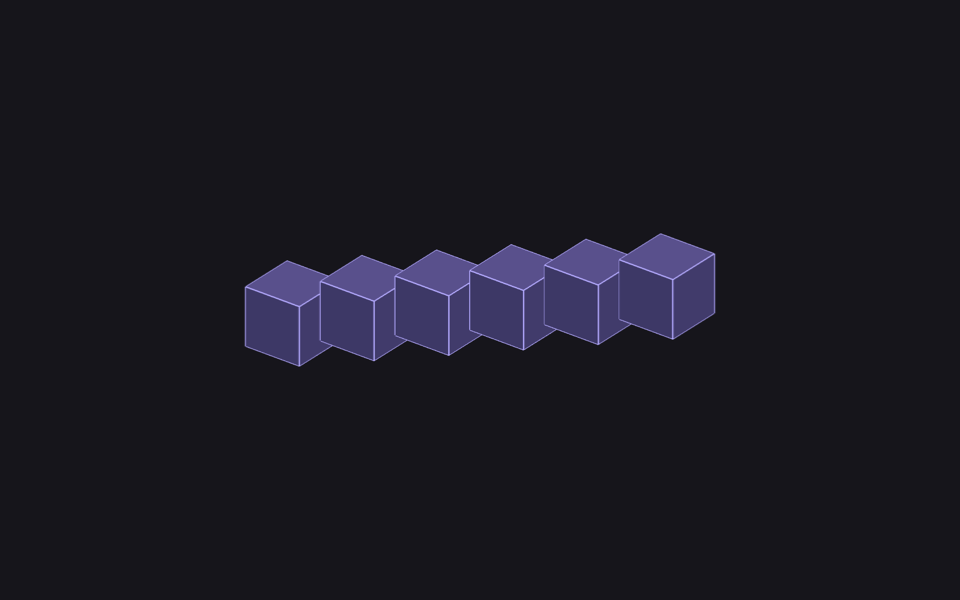
What for. To take each element somewhere else: up a floor, forward from a facade, to another point.
| Input | What it means |
|---|---|
| mode | vector (which way and how far) or point to point (what is at from ends up at to) |
| vector | which way; up by default |
| distance | if given, the vector only sets the direction: 3 moves 3 m up |
| from, to | the base point and where it ends up (point to point) |
Tips.
- To raise something without typing coordinates, give only a distance: it goes up.
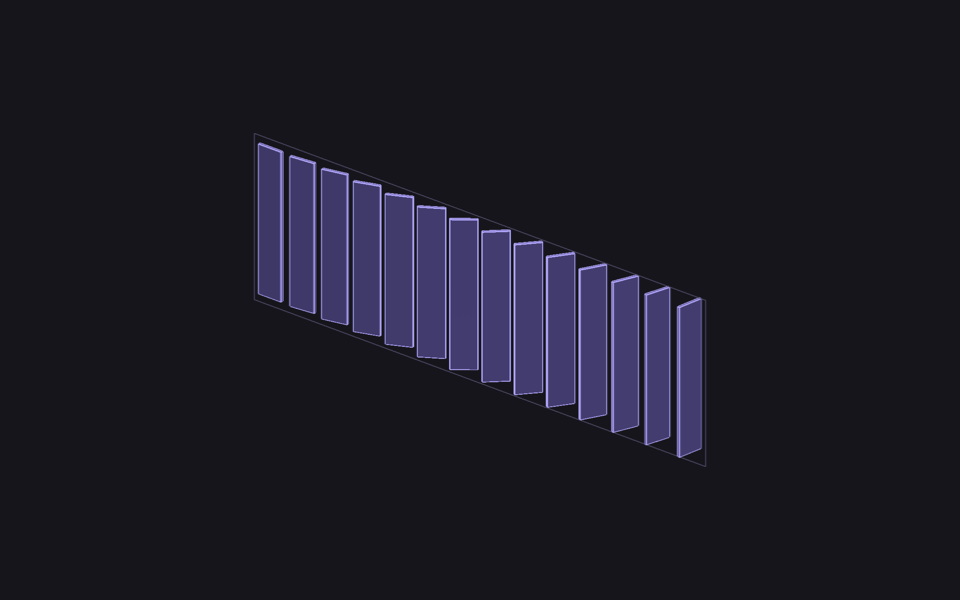
What for. To put a piece on each point, turned: a fin on every panel, a column at every crossing.
| Input | What it means |
|---|---|
| geometry | the piece, drawn around the origin |
| at | the points where copies go |
| rotation | degrees, one for all or one per point |
| axis | what it turns around: vertical, x or y |
Tips.
- A Box is centred on the origin, so it turns around its own middle. See Your first project.
Orient
Section titled “Orient”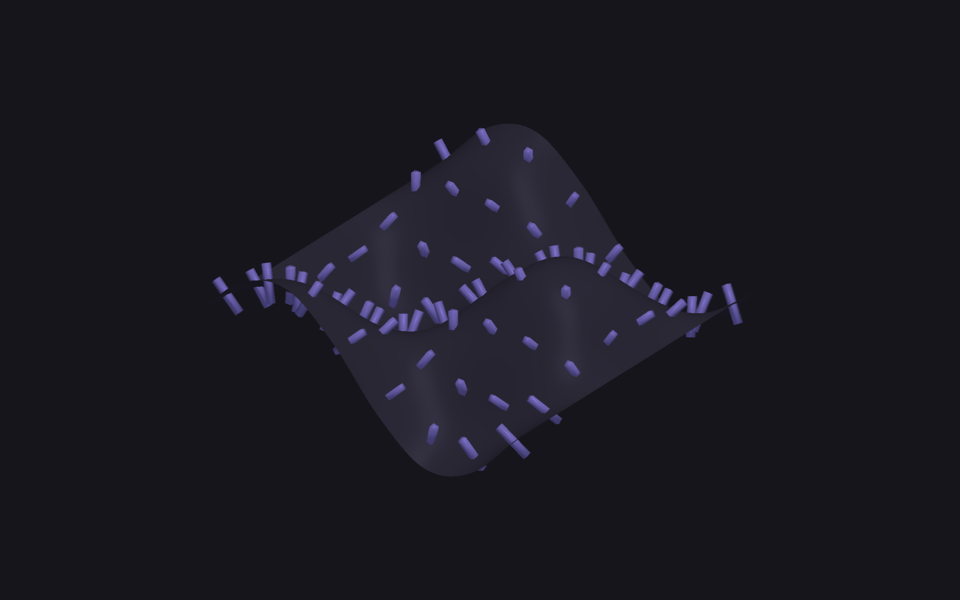
What for. To take a piece to other places turning it to their direction and their normal: a module on each point of a surface, a piece along a curve. It keeps shape and size.
| Input | What it means |
|---|---|
| from | the point of the piece that goes to to (its base, a corner) |
| to | where it goes: one point, or many |
| to direction | where its x looks there (some tangents); empty: the world x laid on the place |
| to normal | what is up there (the normals of a surface) |
Rotate
Section titled “Rotate”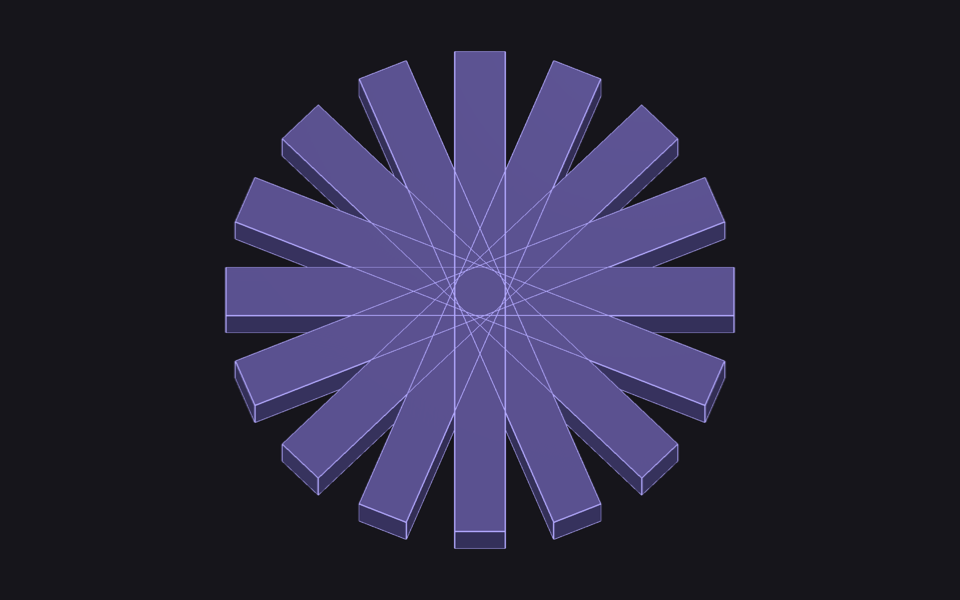
What for. To turn each element around an axis: vertical, x, y or any direction, through a centre.
| Input | What it means |
|---|---|
| degrees | how much it turns |
| axis | vertical, x, y or direction (a hinge, the slope of a roof) |
| centre | a point the axis passes through |
| direction | the direction of the axis, for direction |
Project
Section titled “Project”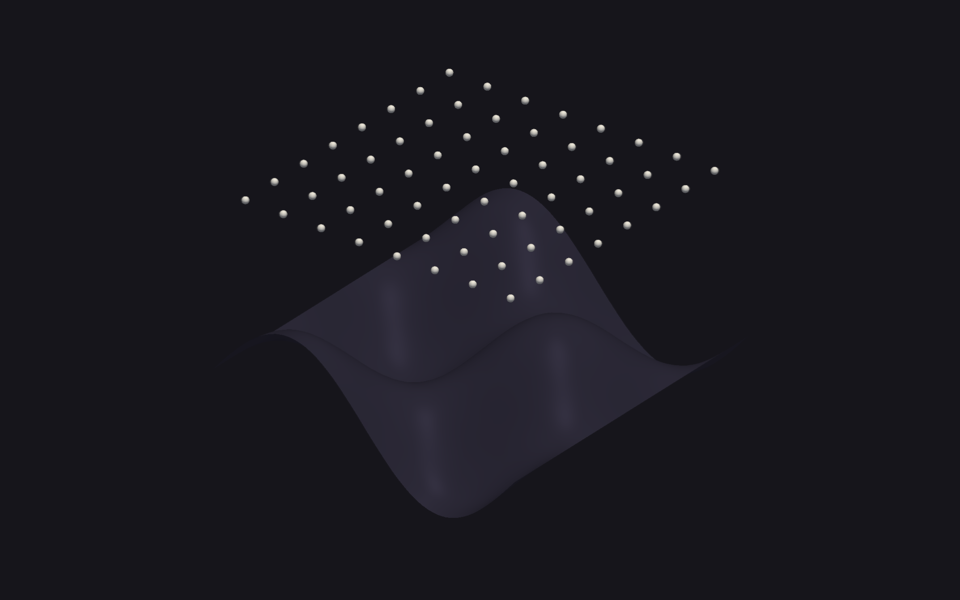
What for. To bring a geometry flat to a height: its footprint on the ground, or on another level.
Change its size
Section titled “Change its size”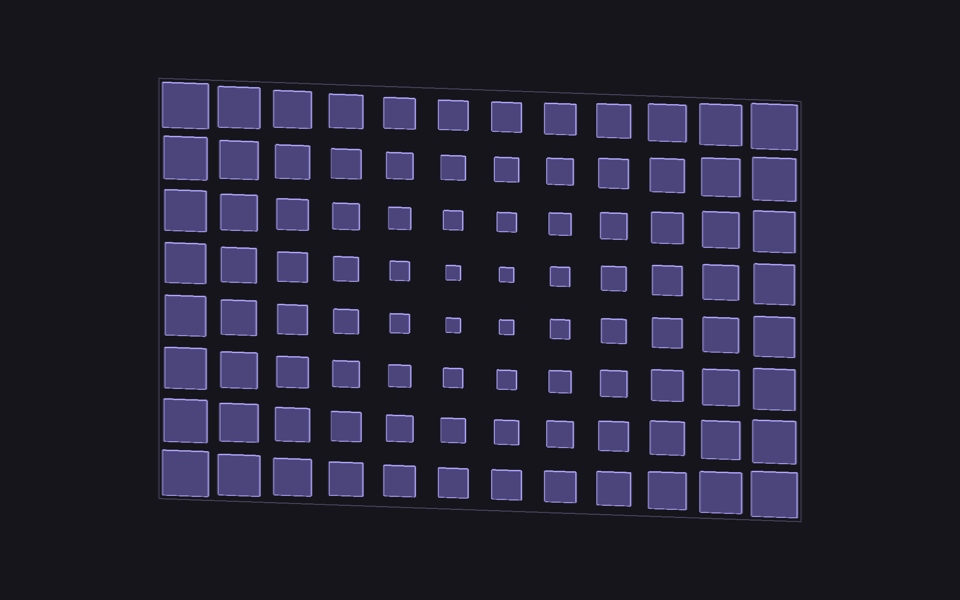
What for. To enlarge or shrink each element: panels that shrink towards a point, a smaller copy.
| Input | What it means |
|---|---|
| factor | more than 1 enlarges, less than 1 shrinks |
| centre | empty: each element about its own centre |
Scale by axis
Section titled “Scale by axis”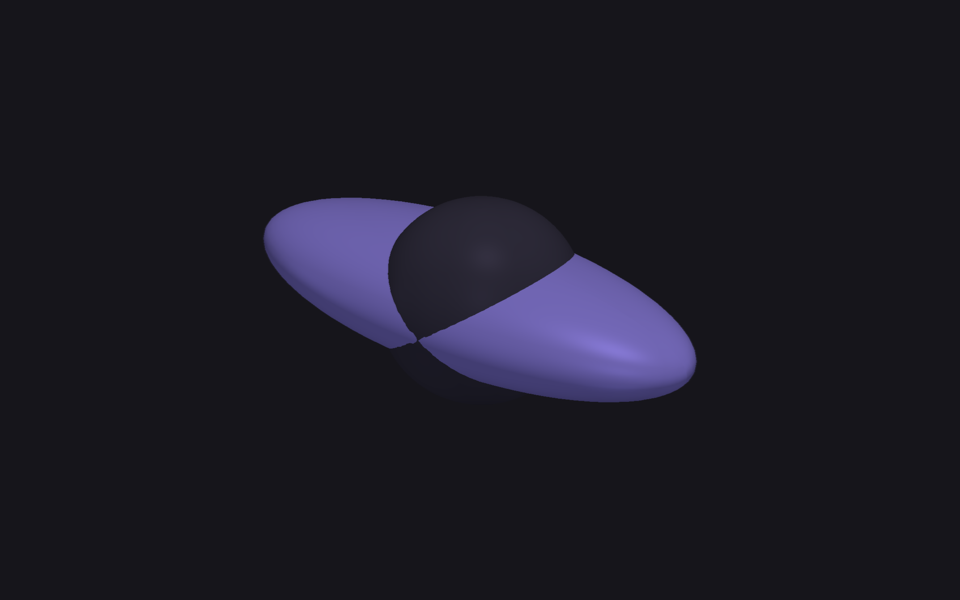
What for. To scale differently in x, y and z: a floor that stretches in width, a slab that gets thinner.
| Input | What it means |
|---|---|
| x, y, z | the factor in each direction |
| centre | empty: each element about its own centre |
Change its shape
Section titled “Change its shape”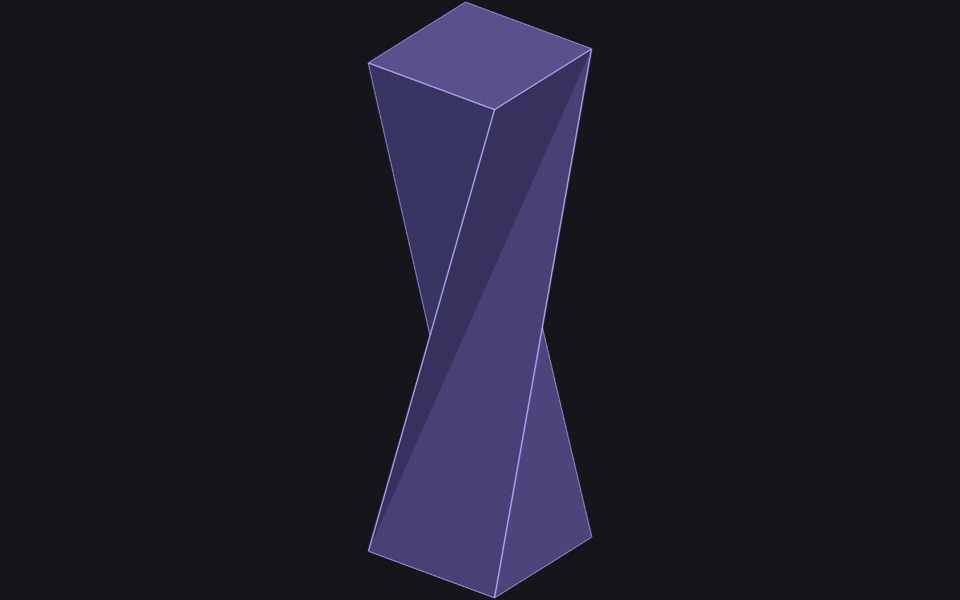
What for. To twist a geometry around a vertical axis: the bottom stays, the top turns. A twisting tower.
| Input | What it means |
|---|---|
| degrees | how much the top turns |
| centre | where the vertical axis passes |
| from | at what height the twist starts, from 0 (bottom) to 1 (top) |
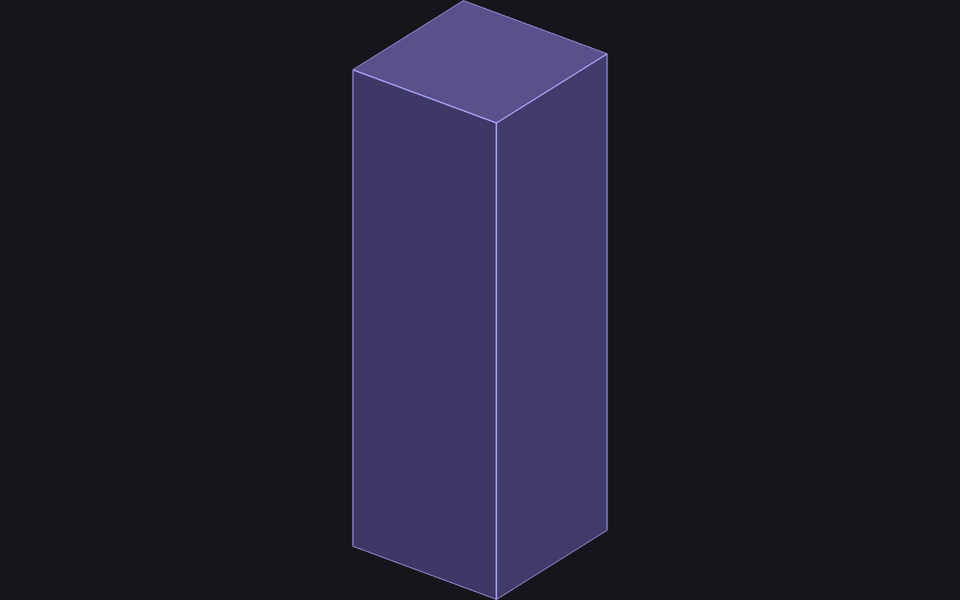
What for. To fit a module into each cell, bending with it: whatever fills the box of the module fills the cell, however twisted.
| Input | What it means |
|---|---|
| geometry | the module, drawn anywhere |
| into | the cells: boxes, blocks (from Thicken), panels of a Grid, or eight corners moved one by one |
| height | for panels: how far the cell rises from the panel |
Tips.
- On a curved surface, Surface morph divides the surface and fits the module in one step.
Thicken
Section titled “Thicken”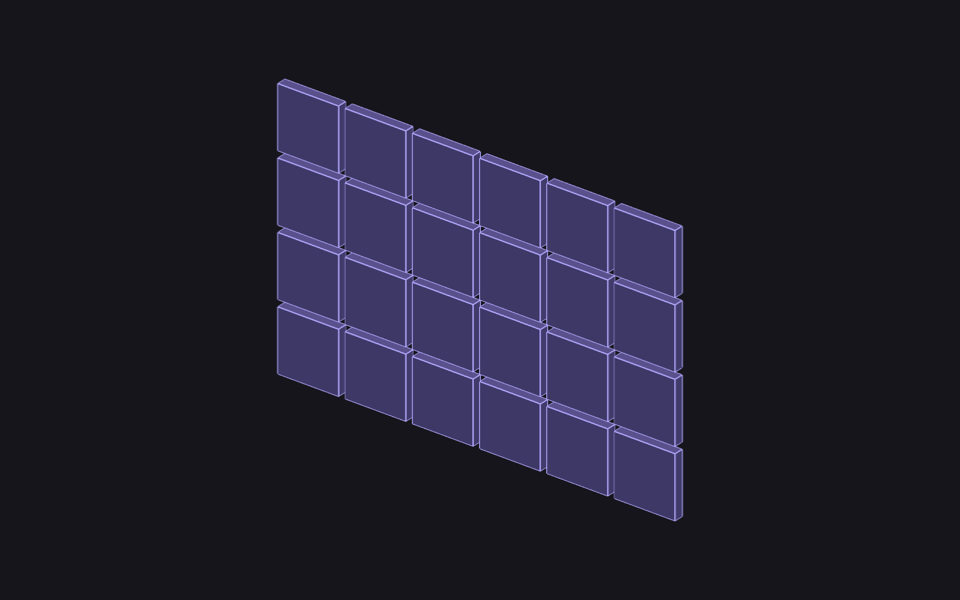
What for. To give thickness to each rectangle, a block, or to a surface: slabs, panels with depth, walls.
| Input | What it means |
|---|---|
| rectangle | the rectangles or the surface |
| thickness | positive outwards, negative inwards |
Tips.
- It grows towards the face of the surface: to grow the other way, give a negative thickness or flip the surface.
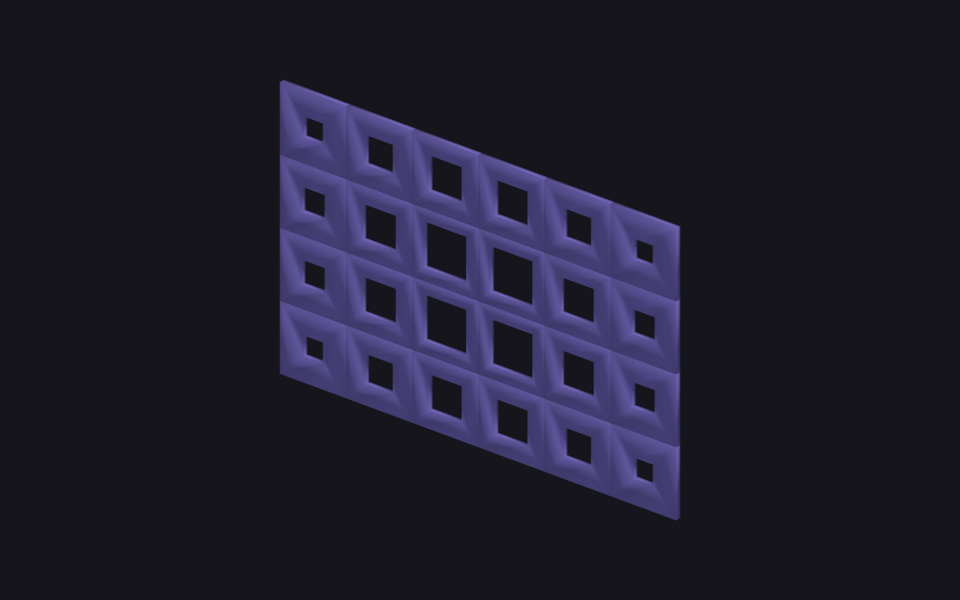
What for. A frame with an opening in each panel, or the opening alone (the glass). Openings that grow by an attractor give a facade that breathes.
| Input | What it means |
|---|---|
| panel | the panels |
| opening | the opening relative to the panel, from 0 (closed) to 1 |
| thickness | 0: a flat frame |
| width | the frame width in metres, the same all round, instead of the opening |
| output | the frame, or the hole (the rectangle inside) |
Directions
Section titled “Directions”Vector
Section titled “Vector”
What for. A direction with its length, to use wherever a point or a direction goes: in Move, Line by direction, Rotate.
| Mode | What it gives |
|---|---|
| x, y, z | typed |
| axis | along x, y or z |
| point to point | from from to to |
| unit, to a length | the same direction, length 1 or the length you give |
| multiply | times a factor (negative reverses it) |
| add, invert, perpendicular | two added, reversed, or perpendicular to two |